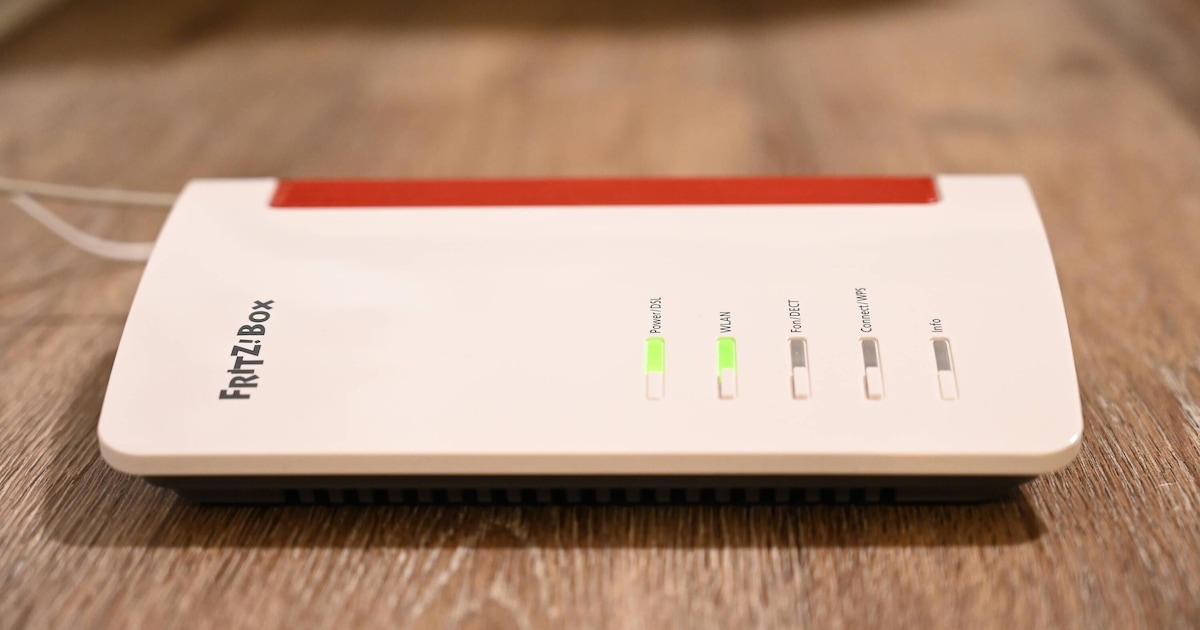
The BSI warns against neglecting the security of the WLAN router. With these specific recommendations you can make the devices safe.
According to BSI WLAN routers that are unsecured are a gateway for cyber attacks. If attackers manage to break into your router from outside, they can compromise the device itself but also all connected devices, causing personal or financial damage to users. You should prevent that.
“In short: the WLAN router is particularly worth protecting as a network center.”
What is particularly important: The manufacturer should provide updates for the router. This is the only way you can be sure that gaps will be fixed.
1. Basic security for WiFi routers

Like your end devices, the WLAN router needs a secure software basis. You have to take care of this by installing the updates provided without much delay. This is not particularly difficult if manufacturers regularly provide security updates.
The best way to do this is to use it an automatic in the router. It works just as conveniently as Windows updates, but we don’t experience as many unwanted side effects. Alternatively, you can often just get a notification that updates are available. You then have to do the importing yourself.
There is actually nothing wrong with the manual method if you follow it consistently. The automatic update is definitely more convenient.
2. Secure basic equipment

Most users set up the WiFi router once and then the device continues to operate continuously, often for years. It’s worth keeping a few things in mind during this initial setup. You can also implement the following tips from the BSI later.
- Secure access: The router is usually accessed via a web interface, but a password is required. You should change the default password for the web interface provided by the manufacturer. It’s best to leave yours Password manager Roll out a strong password for this.
- Customize WLAN name: According to the BSI, you should replace default network names. Feel free to get creative here, the main thing is that you don’t reveal any details about the router manufacturer and model.
- Secure WiFi: Choose the best possible WiFi encryption that the router offers; the minimum is WPA2.
- Secure WiFi password: The BSI recommends assigning a long and complex WiFi password, with at least 20 characters. A password manager can also help here.
3. Adjust configuration

The basic setup of the WiFi router should now work. But there are still a few details to consider when it comes to the configuration. The BSI proposes the following measures:
- Check firewall status: In the interface, search for Internet and then filters or sharing or menu items such as security settings. The firewall
should be enabled by default. If not, activate it later. - Disable remote access: Many routers allow you to configure them from outside the home network. Check whether this function is available on your router and whether it is activated and deactivate it if you do not need it. Otherwise, we recommend secure remote access via VPN.
- Set up guest network: If possible, you should set up a guest network for insecure devices or for your guests’ devices. This allows you to separate these accesses from sensitive services such as online banking or home office applications.
About the Author