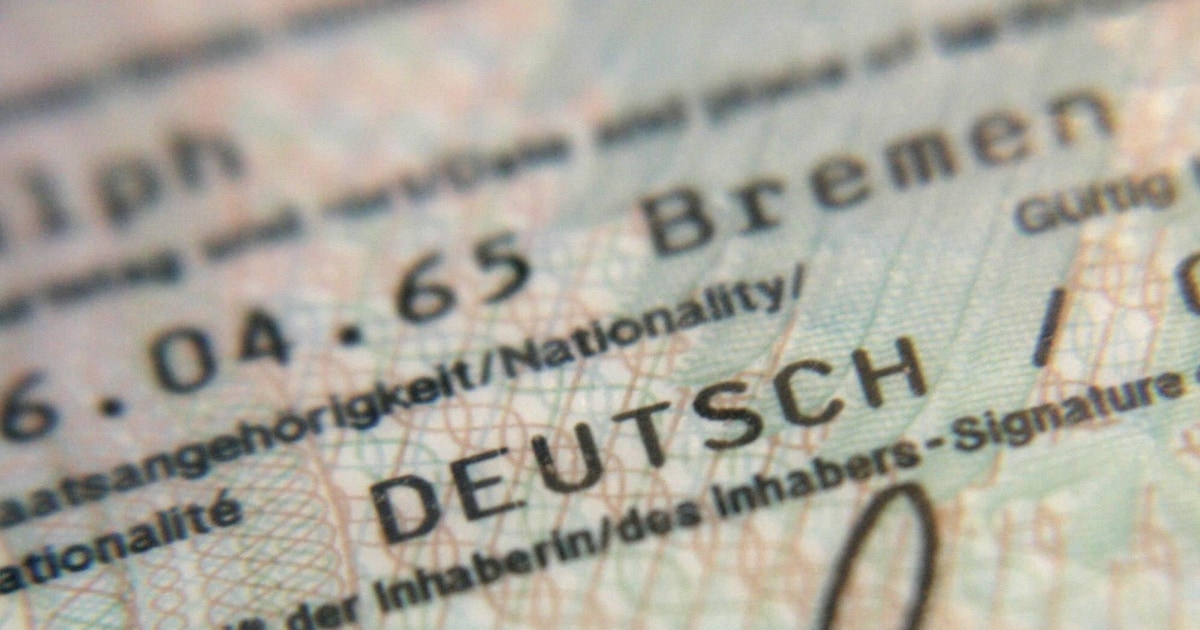
Most people simply have their ID card in their wallet, but hardly anyone thinks that they also have their own PIN. You should definitely change that.
More compact and cheaper than the passport, the ID card is the most popular identification document in Germany. But many citizens ignore the online functions, but everyone receives a PIN when they apply for a new person. You should change that as soon as you hold your ID card in your hands.
When a person applies, a so-called PIN letter is already handed out. You should keep it safe at home. It contains two pieces of information in scratch-off areas covered with privacy film. This includes the following data:
- 5-digit one-time PIN, also called transport PIN
- 10-digit PUK, numerical code to remove the PIN blockade
Since the beginning of 2025, every person has received the corresponding PIN letter when applying for a personal ID. But there is one special feature: If you are under 16 at the time of application, your online ID and one-time PIN are deactivated.
You should have the PIN letter and the PUK it contains; keep it safe. After your 16th birthday, the online ID function can be activated in the citizens’ office. There you can choose a new PIN directly.
Your own PIN activates your online ID card

The PIN for your ID card provided in the letter is not a permanent item. It is only used to authenticate yourself once and then set your own PIN. Because you can do yours Only then use your online ID card as soon as you have entered your chosen six-digit PIN.
You can easily change the PIN via the ID card app. Right on the homepage, you will find the menu item “Change PIN.” To set the PIN for the first time, select “5-digit transport PIN,” enter the PIN from the letter and then choose your own 6-digit PIN.
If you can’t or don’t want to use an app, you can Also set your PIN at the citizens’ office. Important: Your chosen PIN should only be known to you. Do not use a number combination that is easy to guess, such as “123456,” your date of birth, or other number sequences that can be read on the ID card.
Additional lock password for personal
You will receive a second important document with a new ID card. It contains a blocking password that you can use to block the online function of the ID card. This works via that Lockdown emergency call (116 116) or during opening hours at your local authority.
- Even after entering the wrong PIN three times, the online function is blocked.
- It can be unlocked again with the PUK from the PIN letter.
- If your PIN and PUK are lost, the only option is to go to the Citizens’ Office.
About the Author