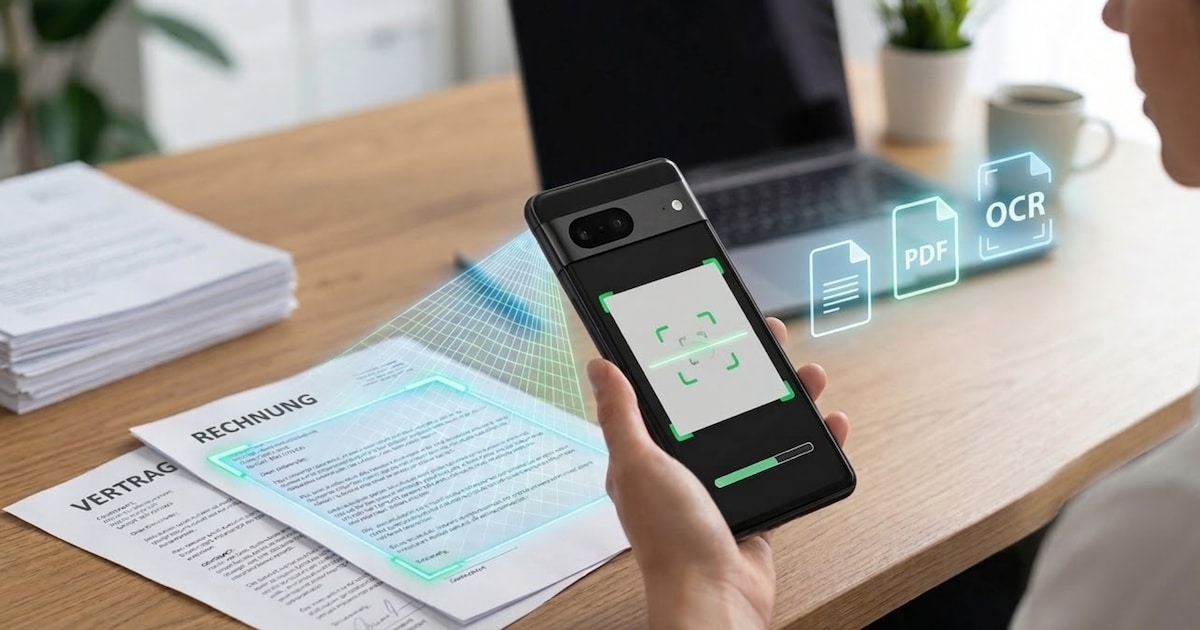

Document scanners for Android smartphones and iPhones are very practical. This saves you a trip to the printer – or the entire scanner. In many cases, even the on-board function of the smartphone is now sufficient. But special apps also continue to offer useful additional functions. CHIP shows you the best solutions for on the go.
Scanning documents with your smartphone is now easier than ever. Modern operating systems already have corresponding functions – without any additional app.
On the iPhone, documents can be scanned using the Notes app or the Files app, for example. The camera automatically recognizes paper documents, corrects the perspective and saves the result directly as a PDF.
Android now also offers integrated scanner functions. Many devices recognize documents directly in the camera app or via Google Drive, where PDFs can be created and saved automatically.
This integrated solution is often completely sufficient for simple invoices, contracts or notes. However, if you need additional functions such as automatic text recognition (OCR), cloud integration or advanced editing options, you can still use specialized apps.

Adobe Scan: Popular scanner app from the App Store
Adobe Scan is one of the most popular scanner apps for Android and iOS. The free application automatically recognizes documents via the camera, aligns them and optimizes contrast and sharpness.
The integrated text recognition (OCR) is particularly practical. This means that texts from scanned documents can later be marked, copied or further processed directly, for example in Word or other text programs.
Multiple pages can also be easily merged into one PDF document. For many users, Adobe Scan completely replaces a classic document scanner.

Google Photo Scanner: Digitize old photos
The free one Google photo scanner is primarily aimed at users who want to digitize their old paper photos. The app takes multiple shots of a photo and automatically combines them into one scan.
The software removes annoying reflections and corrects the perspective. The result is saved directly in high quality and can then be organized in Google Photos, for example.
Documents can also be captured with the photo scanner, but the app shows its strengths primarily with classic photo prints.

About the Author