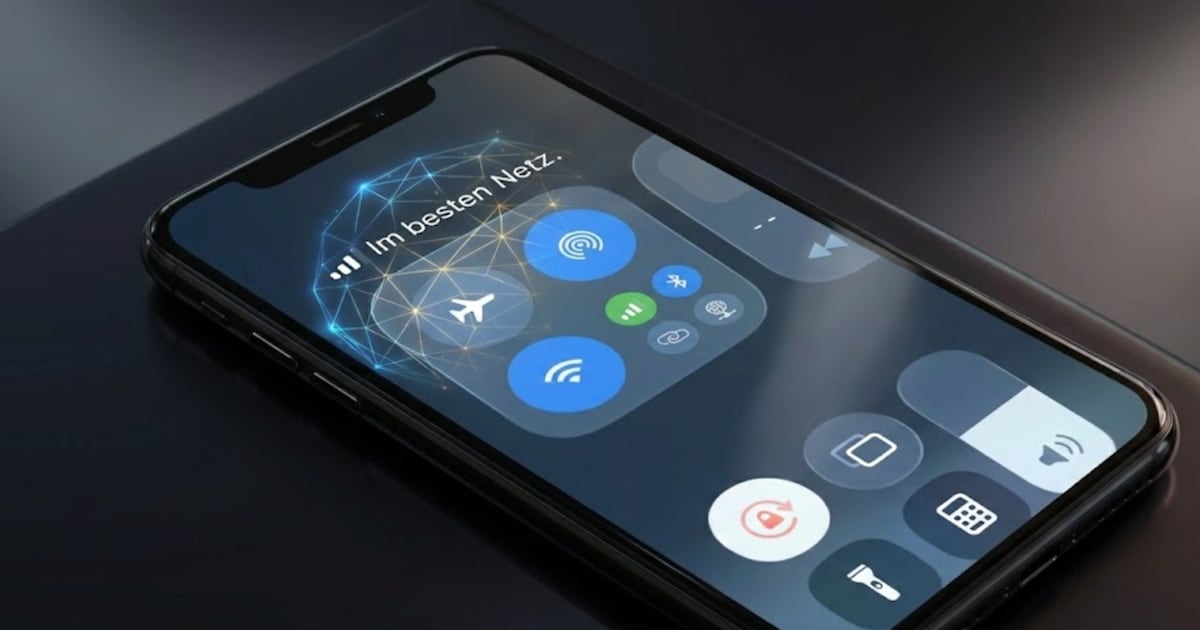
Many Deutsche Telekom mobile customers are currently surprised by an unusual display on their smartphones: Instead of the usual network identifier “Telekom.de” the words “In the best network” suddenly appear.
The advertising slogan “In the best network” has recently been shown in the network identification display, which appears at the top of the display. The change was carried out via an over-the-air update (OTA), i.e. automatically via the network settings of the SIM card or the network operator, without the users actively agreeing or being informed in advance.
According to Telekom, the campaign is limited in time and should run for around four weeks.
Millions of users affected: Important mobile phone ad now looks different
Millions of users are affected – especially Telekom customers with current iOS and Android devices. This does not change the network quality, telephony or data connection – only the name in the status bar is visible.
The sudden change in network identification attracts attention not only on the smartphones themselves, but also in social networks and communities. The new ad is currently being intensively discussed on X (formerly Twitter) as well as in Telekom forums, Reddit threads and technology communities.
Many users report uncertainty because they initially thought the change was a technical error, a network problem or even a security incident. The main criticism in the discussions is that the change was made without asking, without information and without an opt-out option and that the status bar area, which is actually perceived as a system display, is now used as advertising space.

Can the ad be removed again?
In short: officially no. The network ID is controlled by the network operator and cannot be reset via the normal smartphone settings. If you still want to change the lettering, you have to resort to a technical workaround that requires deep intervention in the system.
A currently working way on the iPhone (tested with iOS 26) is via the tool Cowabunga Lite.
How to change “On the best network” back (iPhone – with system intervention)
⚠️ Note: This is not an official way, it intervenes deeply in the system and is done at your own risk.
Backup beforehand is strongly recommended.
- Install Cowabunga Lite on your computer
- Connect iPhone via USB
- Open the Status Bar section in Cowabunga Lite
- Activate the “Change Primary Carrier Text” option
- Enter desired text (e.g. “Telekom.de”, your own name, emoji, etc.)
- Click on “Apply” – done
In order for the intervention to work, “Stolen Device Protection” must be deactivated on the iPhone in advance:
About the Author