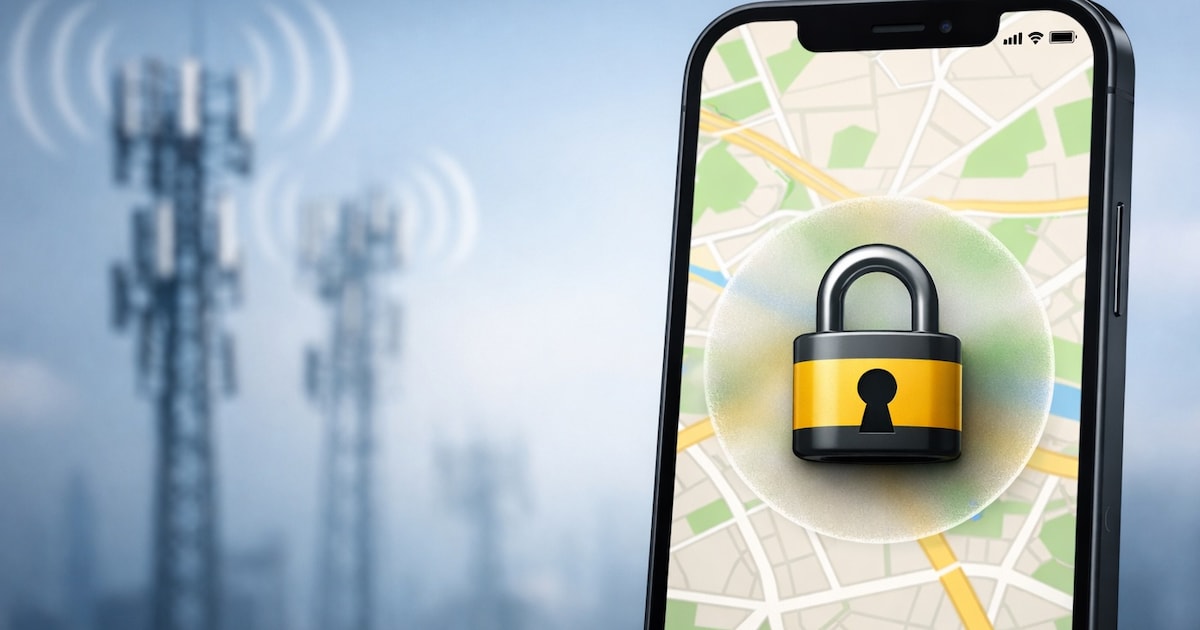
A new feature in iOS 26.3 limits location accuracy through cellular networks. Your current location cannot be determined quite as precisely.
With the next major interim version of iOS, Apple is introducing a new data protection feature called “Limit exact location.” This allows users to determine how precisely mobile networks can determine the cell phone location.
But there is, in addition to the need for iOS 26.3, a few other requirements that must be met so that the new function can work. Above all, the device requirements still severely limit the novelty.
Location via mobile phone network is becoming less accurate

The cell phone location can be determined in various ways, such as GPS, WiFi, or mobile communications. Providers can, for example, determine your location via cell phone towers, which in the best case scenario works exactly to the house number.
The new attitude “limit exact location” intentionally makes this location option less accurate on some iPhones. Apple wants to reduce the precision of the location data available to mobile networks.
If the setting is activated, certain information that is otherwise available to mobile networks is restricted. This makes it less possible to locate an iPhone precisely, for example, only the area in which the cell phone is located.
According to Apple, the setting should have no impact on signal quality or user experience. In addition, it should not influence the precision of the location data that is shared with emergency services in the event of an emergency call.
Navigation apps such as Apple Maps or Google Maps should also continue to work as usual, as should the Where-Is network.
Protection function must be activated
Apple gives in one Support document indicates that the new function must be activated explicitly. It works like this:
- Open “Settings” and select “Cellular.”
- Go to “Data Options.”
- Enable “Limit exact location.”
- A cell phone restart may be necessary
But there are important limitations because the feature is by no means available to all iPhone users. First of all, iOS 26.3 is required, which is currently in one beta location.
Then you also need an iPhone with Apple modem C1 or C1Xi. e. iPhone Air or iPhone 16e. And the provider also has to support the new function; in Germany, only Telekom has done so far.
About the Author