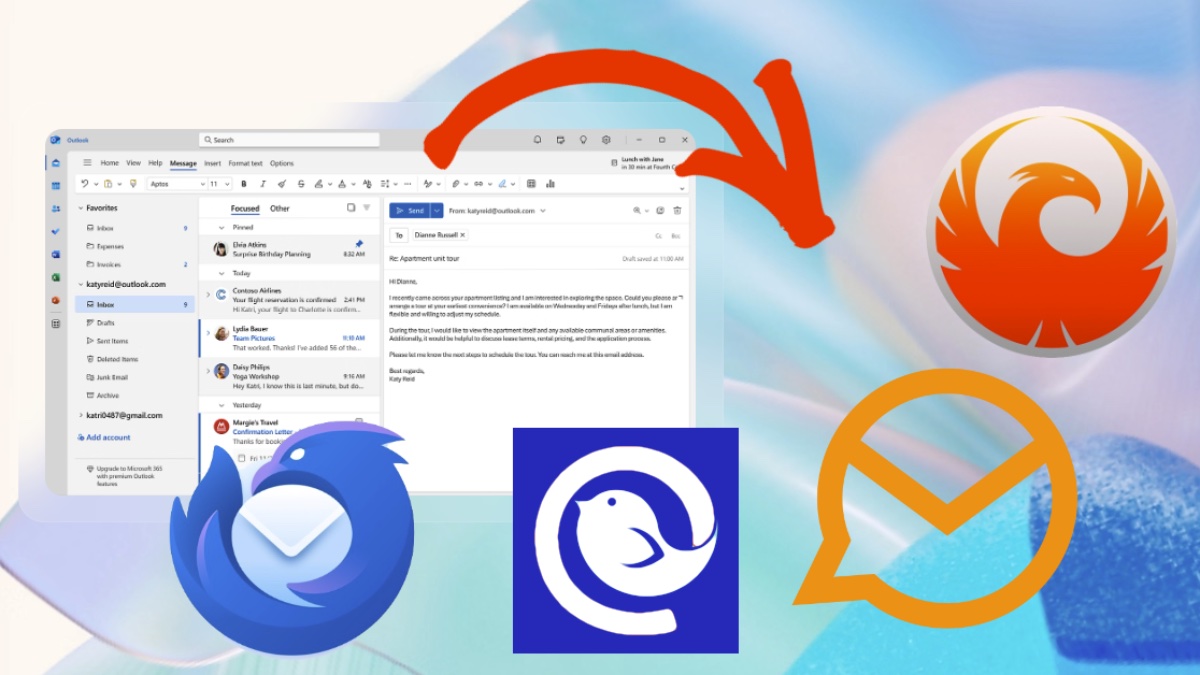
Over the last 25 years, Outlook has established itself as a client for emails, calendars, tasks and more. But Microsoft has changed its strategy here and is moving away from the classic Outlook. Anyone looking for an alternative to Outlook can choose from a wide range. We compare promising candidates for Windows.
With Outlook, Microsoft has established a name for more than 25 years that is considered a synonym for email in many people’s minds. Microsoft’s marketing department has done a good job here, but if you look closely you’ll quickly notice that the term “Outlook” is used to mean different things:
- The classic client: Anyone who has had an office job in the last 25 years has probably encountered the Outlook client for Windows. The software can undoubtedly manage mail, but also many other things, such as managing appointments and addresses or booking conference rooms. Today Microsoft calls the program Outlook Classic and it will be replaced by 2029.
- The new Outlook: Windows has been delivered with a mail program and calendar for many years. Since the end of 2024, Microsoft has been using the new Outlook as the standard program under Windows. The new Outlook should then also inherit Outlook Classic.
- Outlook service: Far from the clients there is also the Outlook.com mail service, which was previously known as Hotmail.
When you casually say “Outlook alternative” you can mean different things. In this article we are talking about alternative mail clients, i.e. standalone programs with which you can also manage your emails locally.
So if you have been using classic Outlook and are looking for a successor or are not satisfied with the new Outlook on Windows, we have four alternatives for Windows ready here.
-
Advantages
- large range of functions
- easily expandable
- stable and safe
-
Disadvantages
- can be overwhelming for those switching
The most famous alternative to the Outlook client, at least for private users, is the open source tool Thunderbird. The free client is not just a mail center, but also a holistic productivity app with a calendar and contacts in one interface.
Central features are the management of multiple accounts in a shared inbox as well as powerful organizational tools such as filters and keywords. Additionally, Thunderbird is highly expandable and customizable. The basic operation is simple, but the options can be overwhelming for new users.
One of Thunderbird’s most important advantages is data protection and security. The mailer does not collect any personal data, does not annoy you with advertising and does not train AI with private conversations.
End-to-end encryption (S/MIME, OpenPGP) is possible, but requires active setup by the user. Spam and phishing filters are integrated, but Thunderbird does not warn about malware downloads. The ability to save emails locally means that users retain control over their own data.

Thunderbird is an interesting Outlook alternative with many features.
CHIP
-
Advantages
- good technical basis
- more features than Thunderbird
- improved UI
-
Disadvantages
- smaller community than Thunderbird
- can be overwhelming for beginners
Thunderbird is the flagship project for open source mail clients with many users. But the program is not perfect. Betterbird is a so-called soft fork, i.e. a spin-off that is closely based on the official Thunderbird ESR versions, but aims to specifically expand and improve them.
Betterbird adds additional functions to Thunderbird and fixes numerous known errors. The focus is on better usability, more stable work with IMAP accounts and an improved display of emails. Nevertheless, as with Thunderbird, those switching from simple web mailers could be overwhelmed at first.
For anyone who is unsure, it is quite easy to take a look at Betterbird because the software can be installed parallel to Thunderbird. Both programs can use the same user profile, making it possible to switch or test without losing data.
Betterbird is essentially Thunderbird with added features and more bug fixes. It is aimed at users who want a more stable and convenient email experience without having to change completely.
When it comes to security and data protection, Thunderbird is on par. For example, there is end-to-end encryption, but users have to configure it themselves, which is a small hurdle.

Betterbird is based on Thunderbird ESR and has a few more functions.
CHIP
-
Advantages
- Look and feel of Outlook
- fast working method
-
Disadvantages
- Free version limited
eM Client is an email client that also combines calendar, contacts, tasks, notes and chat in one central application. It supports all common email protocols and services such as Gmail, Outlook, Exchange and Office 365 and offers functions for structured inbox organization, including categories, snooze options and templates.
What makes the program a good Outlook alternative is the similar look and processes. There are also customizable interfaces, quick actions and practical extras. The integrated PGP encryption with simple key management ensures security. Additionally, AI functions are available that can be used to create, summarize, translate or revise emails.
But the free version is limited to two email accounts and many extras are no longer included. These are only available at an additional cost. The paid version costs around 60 euros for one user (subscriptions are also available) and scores with VIP support and support for an unlimited number of email accounts.

In addition to classic mail client functions, eM Client also integrates chats.
eM Client
-
Advantages
- fast working method
- many functions
-
Disadvantages
- Free version very limited
- no end-to-end encryption
Mailbird is a modern client that can be used to manage multiple email accounts under one roof (free version only one account). It is aimed primarily at users who want to make their everyday email life clearer and more efficient.
Central to the software is a uniform inbox in which all emails from different accounts come together. In addition, numerous apps such as calendars, messengers or task tools can be integrated, so that users can build a productivity hub that integrates many workflows.
Productivity features include snooze, mail tracking, AI writing assistance, and extensive customization options. Despite the variety, Mailbird wants to ensure that it is easy to use, as well as offering quick setup and smooth performance.
Unfortunately, Mailbird only comes in a slimmed-down basic version with basic functions and a free email account. If you want all the features, you have to use the paid premium version. They are available as a subscription or one-time purchase (around 80 euros).
Mailbird is the solid client for users who want to turn their inbox into a central hub for all digital activities. Unfortunately, there is no end-to-end encryption and emails cannot be displayed in simple text mode.
Frequently asked questions and answers

Mailbird can not only send emails, but also integrates WhatsApp, Facebook or Dropbox.
Mailbird
Microsoft changed its Outlook strategy a few years ago. The classic Outlook client will be phased out, the plan is for it to end by 2029. That’s what the new one is for: Outlook for Windows as the default app on Windows 10 and 11.
The new Outlook app has replaced the previous mail and calendar apps. In terms of functionality, Microsoft doesn’t bring any surprises to Outlook for Windows but instead packages the functions of its Outlook web app together. On top of that there is advertising. Many users are dissatisfied with this and therefore want an alternative.
If Microsoft’s offering is enough for you, you’ll get a free Outlook for Windows. But there are a few disadvantages that you should be aware of: The range of functions is quite limited and emails are stored in the cloud.

A simple email client including a calendar is also available for free from Microsoft.
CHIP
In this article we introduced you to alternative mail clients for Windows. A legitimate question, however, is whether you still need an email client at all; after all, you can also use emails, calendars and more via services in the browser.
In this respect, email services can also be understood as Outlook alternatives, for example Proton Mail, GMX or Tuta Mail. Of course there are also well-known services like Gmail or Apple Mail alternatives to Outlook.com.
Microsoft Office Home & Business 2024



Source: BestCheck.de | Prices include VAT plus shipping
Compare other offers

Proton Mail is a mail provider with a focus on security and privacy
proton
Of the clients presented, only eM Client has a European headquarters (Czech Republic). Thunderbird and Mailbird are based in the USA, Betterbird has at least strong dependencies in this direction because of the Thunderbird basis.
More important than the question of where the mail client comes from is whether the mail service is provided by a US provider. Gmail and Outlook.com fall through the cracks; providers such as Proton, Tuta Mail or GMX are to be preferred.
About the Author