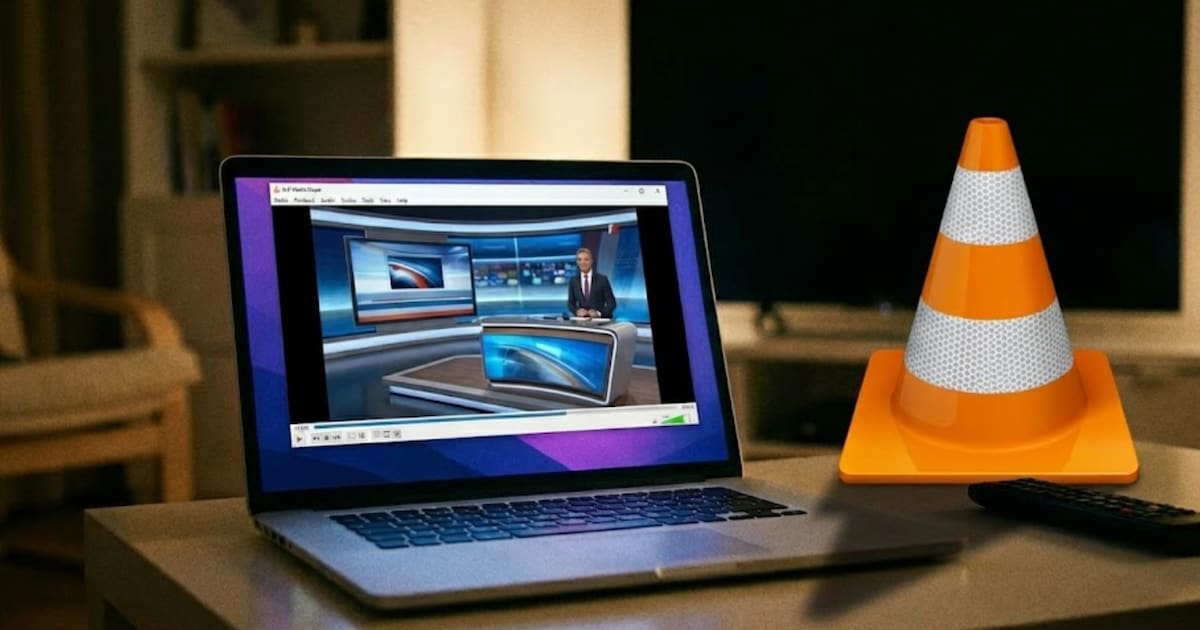
VLC can do much more than just play videos. However, one of the most practical functions remains hidden from many users.
Did you know that you are the well-known one? free media player VLC into a powerful TV tool? With just a few clicks you can easily stream over 1,800 TV channels from all over the world directly using the software (available on the desktop as well as on the smartphone/tablet) – legally, without registration, and without additional software.
The basis for this is the open “Free TV” playlist, a community project that brings together free-to-air TV streams from numerous countries. Included are international news channels, music and entertainment channels, sports channels, regional programs, and many specialty channels from Europe to the USA to Asia and South America.
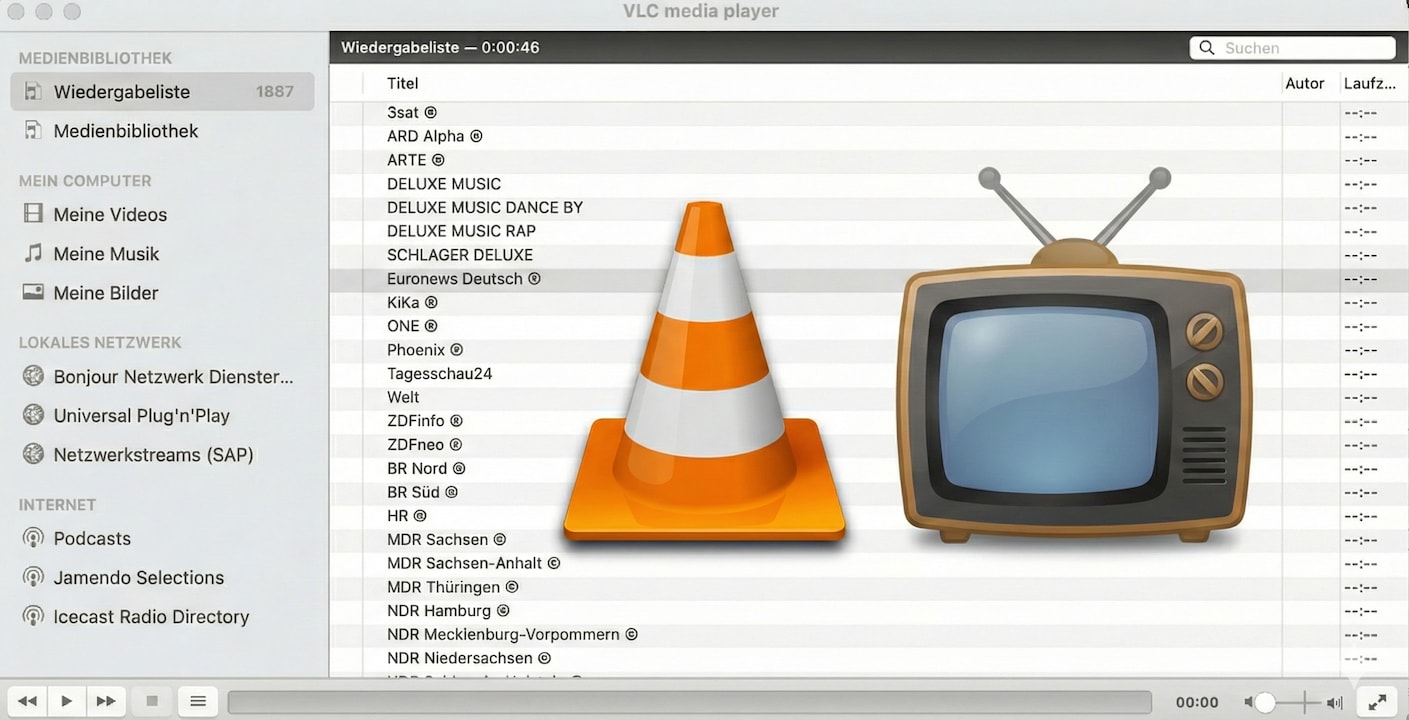
This is how streaming works in VLC
The trick is simple: Instead of classic TV apps or web players, VLC uses an M3U playlist. This file contains structured streaming links to the TV channels.
This is how you get to the channel list:
- Get the link of the Free TV playlist (M3U file).
- Open VLC Media Player.
- From the menu, choose File > Open Network
- Copy the URL of the M3U file into the URL field.
A channel list will then appear on the left side of the VLC player, which you can use to switch directly between the TV channels – like a classic TV menu.
What you can expect:
The playlist contains streams from all over the world. Depending on the region and time of day, around 1,500 to 1,800 channels can be used in a realistically stable manner. Including:
- freely available channels from Germany, Austria and Switzerland
- international news channels
- Music station
- Regional channels
- Cultural and educational channel.
- Sports streams
- Foreign channels in their original language
The quality varies depending on the source – everything from SD to HD is included. Since these are free streams, there may occasionally be failures or changes. This is normal for community lists.
Is using the free TV playlist in VLC legal?
The use of Free TV is legal as long as you only use the M3U playlist for channels that have been approved for free reception by the provider. According to the developers, the list is updated regularly to ensure only legal content.
The surprising VLC function impressively shows how many ways there are now to receive live TV for free and easily. But if you prefer long-term stable transmission, a modern user interface and a large selection of channels in high quality, it is more convenient with a full streaming service: At You can test Zattoo free of charge for 30 days and get access to numerous channels, practical convenience functions and a seamless television experience – without any technical detours.
About the Author