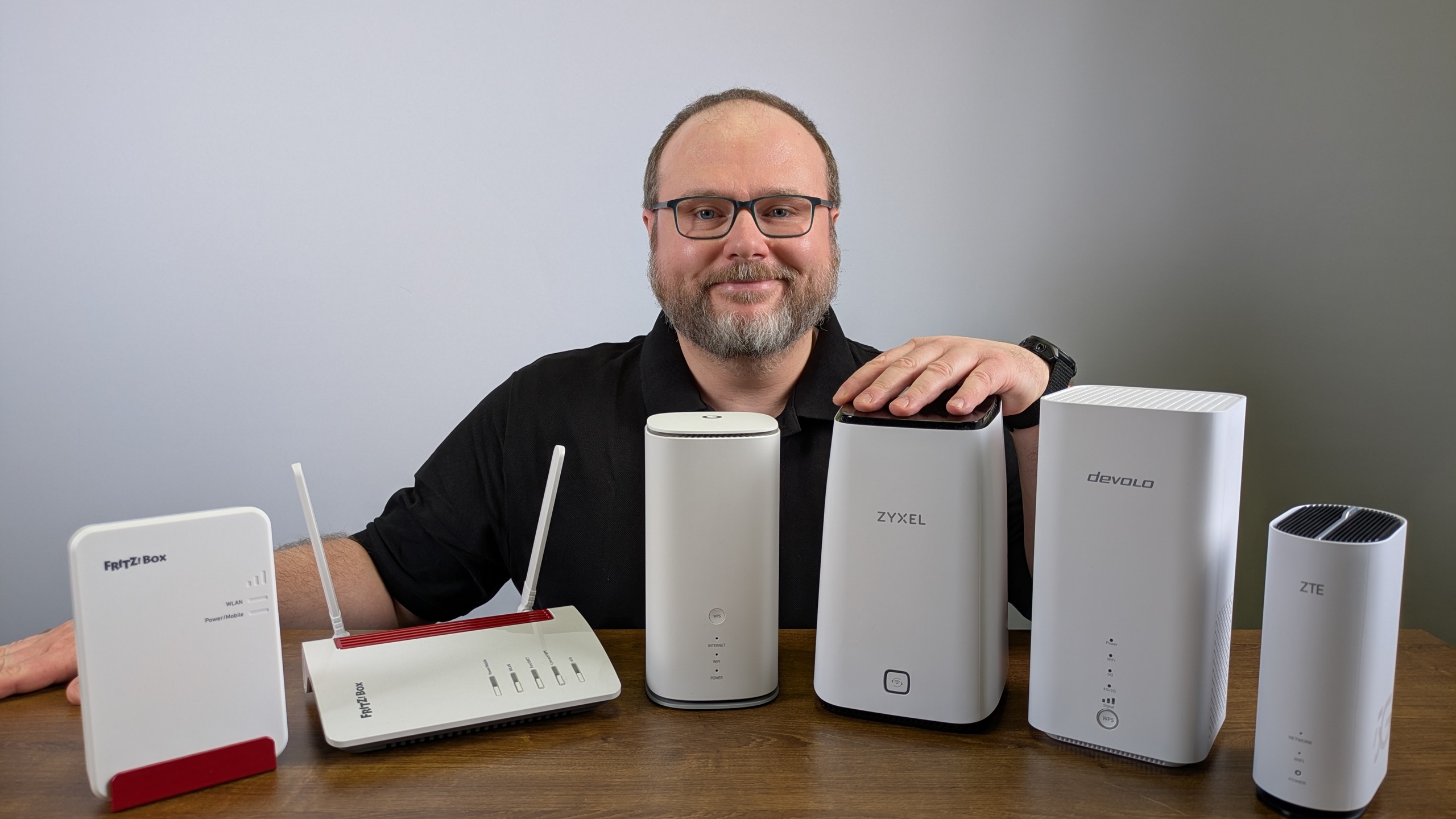

Stationary mobile routers replace wired internet connections. We tested several models.
Those who forgo a landline connection and rely entirely on mobile internet can also enjoy the advantages of a Wi-Fi router at home. This stationary mobile router offers many of the same functions as a router for cable, DSL, or fiber optic connections, but operates on the LTE or 5G network. We’ve tested a range of stationary mobile routers and present the test winners and our best value picks here. You’ll also find further information about the devices.
Our recommendations and offers at a glance
Test winner:
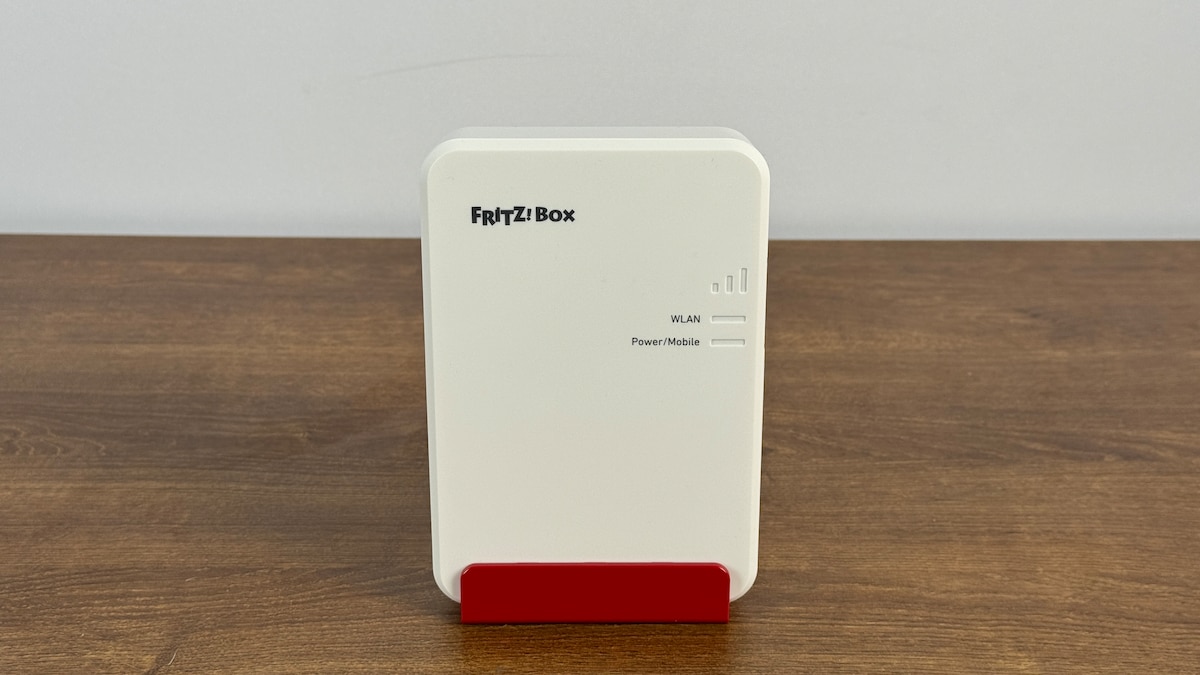
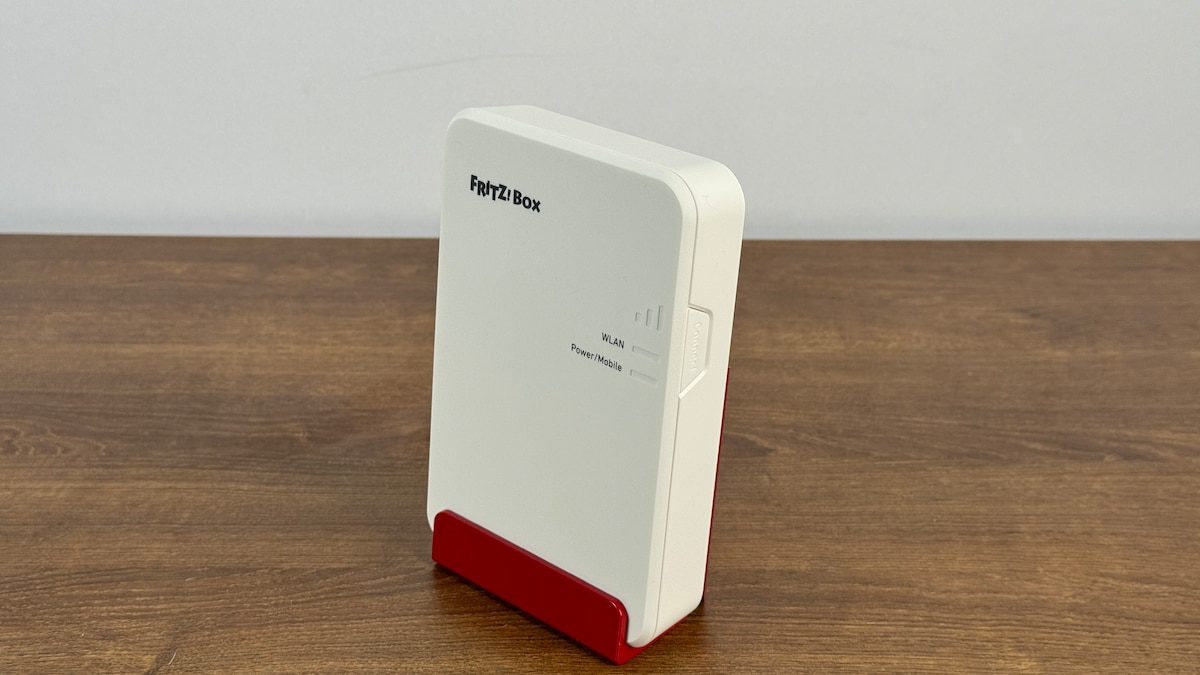
Fritz!Box 6860 5G
on Amazon Marketplace
Best value:
TP-Link Archer MR550
on Amazon
Top alternative:
TP-Link Deco X50-5G
on Amazon
Best Wi-Fi performance:
Vodafone GigaCube 5G (MC888 Ultra)
on Kaufland.de
Best functionality:
Fritz!Box 6850 5G
on Amazon Marketplace
With a Wi-Fi router, mobile devices can access the internet. Typically, a landline router (see test) is used at home, and mobile routers with batteries (see test) are available for on-the-go use. However, those who don’t have a landline connection at home or who intentionally rely entirely on LTE and 5G can use a stationary mobile router. This requires a power connection instead of a battery, but offers better speed and functionality.
Wi-Fi routers allow mobile devices to access the internet. This article will cover the following: We present our top recommendations from our tests. The routers with the best performance or the best price-performance ratio are first shown in a table and then in detail. We also explain our testing procedure and tell you what you should generally consider when choosing a stationary mobile router.
Stationary Mobile Routers Compared
(Selection from 13 tested products)
- Testurteil: Gut (1,6)
- Performance: Gut (1,8)
- Funktionalität: Sehr gut (1,2)
- Ausstattung: Sehr gut (1,5)
- Handhabung: Sehr gut (1,0)
- Leistungsaufnahme: Befriedigend (3,0)
- Prima WLAN-Performance
- VPN per WireGuard
- Mesh-Funktion über Fritz!OS
-
Nachteile
- Nur 1× Gigabit-LAN
- Kein USB-Port
- Leistungsaufnahme könnte besser sein
Test Conclusion
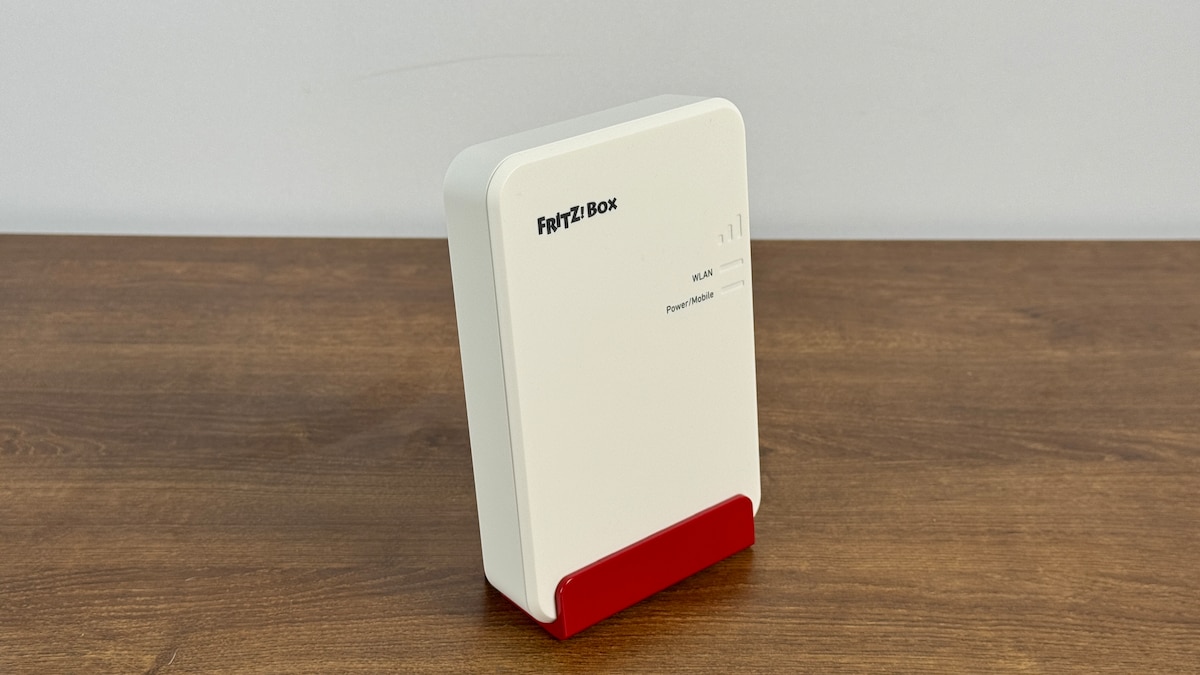
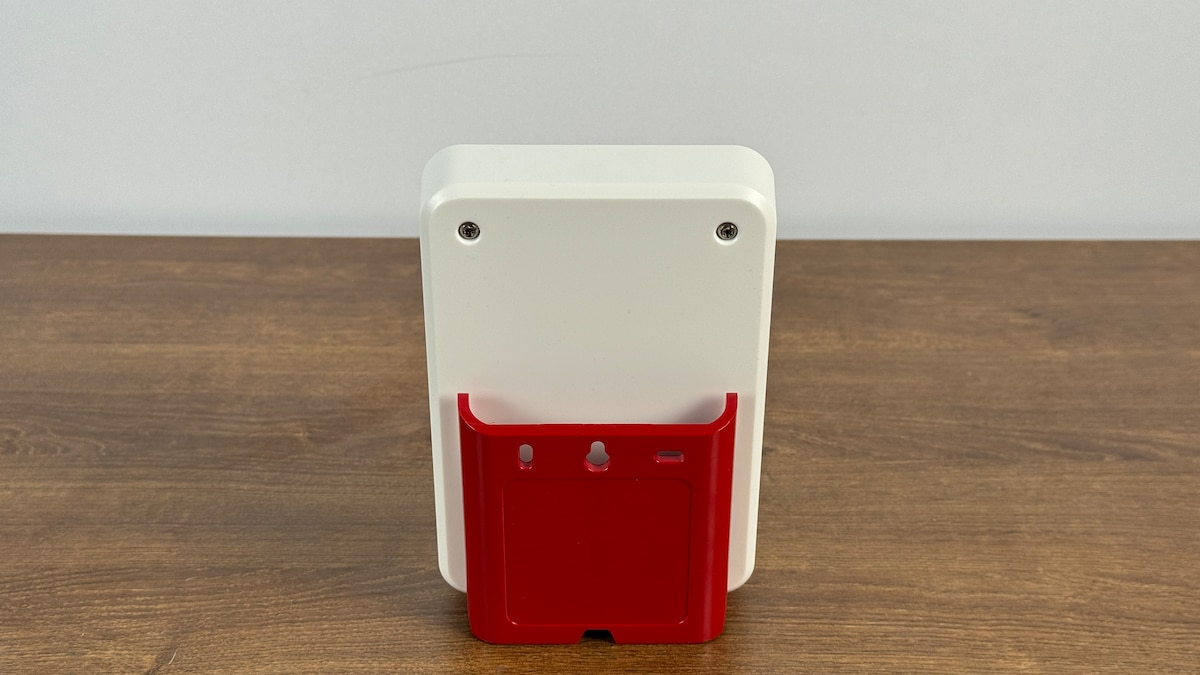
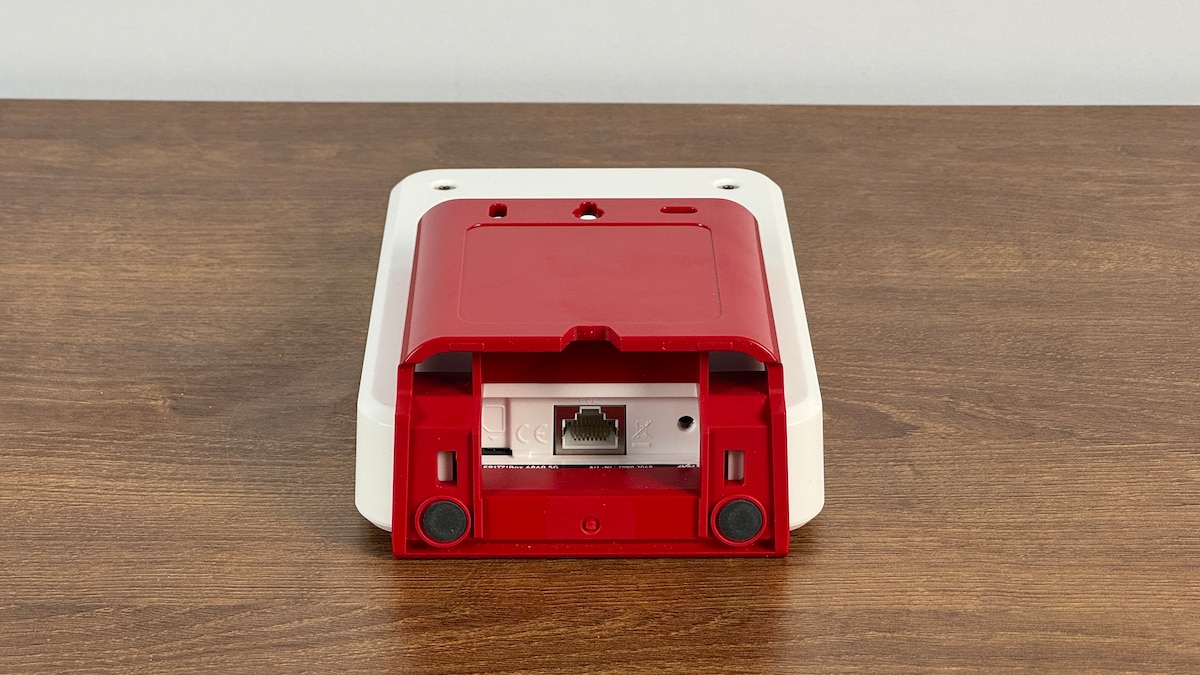
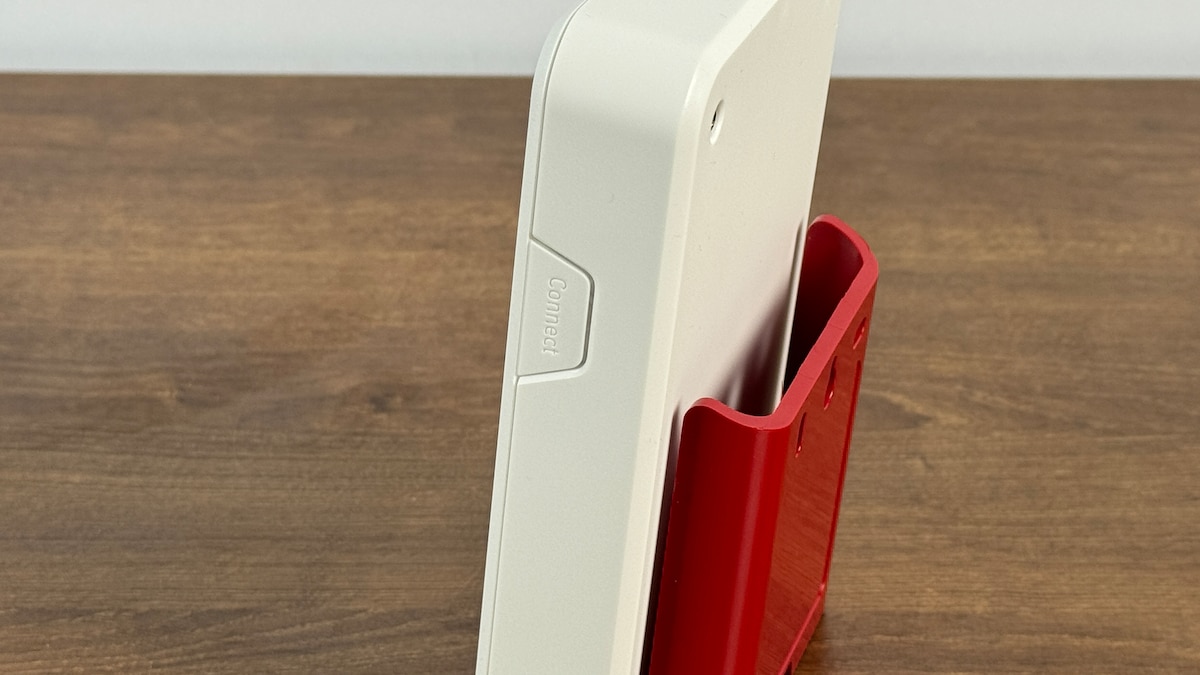
The Fritz!Box 6860 5G stationary mobile router operates on both LTE and 5G networks, supporting all major frequency bands on each. It uses the Wi-Fi 6 standard, utilizing a 160 MHz channel width. We measured a maximum data transfer rate of 945 Mbps, though in real-world conditions it’s closer to 894 Mbps. This isn’t a top-tier result, but it’s acceptable. A nano-SIM card is used, and no SIM card eject tool is required. An analog phone cannot be connected, but VoIP and DECT are supported. The Fritz!DECT feature can also be used with the manufacturer’s smart home devices. Unfortunately, the physical ports are very limited: there’s only a single 1 Gbps LAN port and no USB port. However, the router is exceptionally user-friendly: setup is simple, security features are pre-configured, and the web interface offers extensive support. WPA3 encryption is available and enabled, and Dynamic DNS can be used. The Fritz!Box integrates seamlessly into a mesh network, functioning as either a router or repeater as needed. It can also be used as a VPN server with WireGuard. An access point mode is also included. The device is not designed for NAS, FTP, or print server use. Power consumption during data transfer could be slightly lower, but it is acceptable.
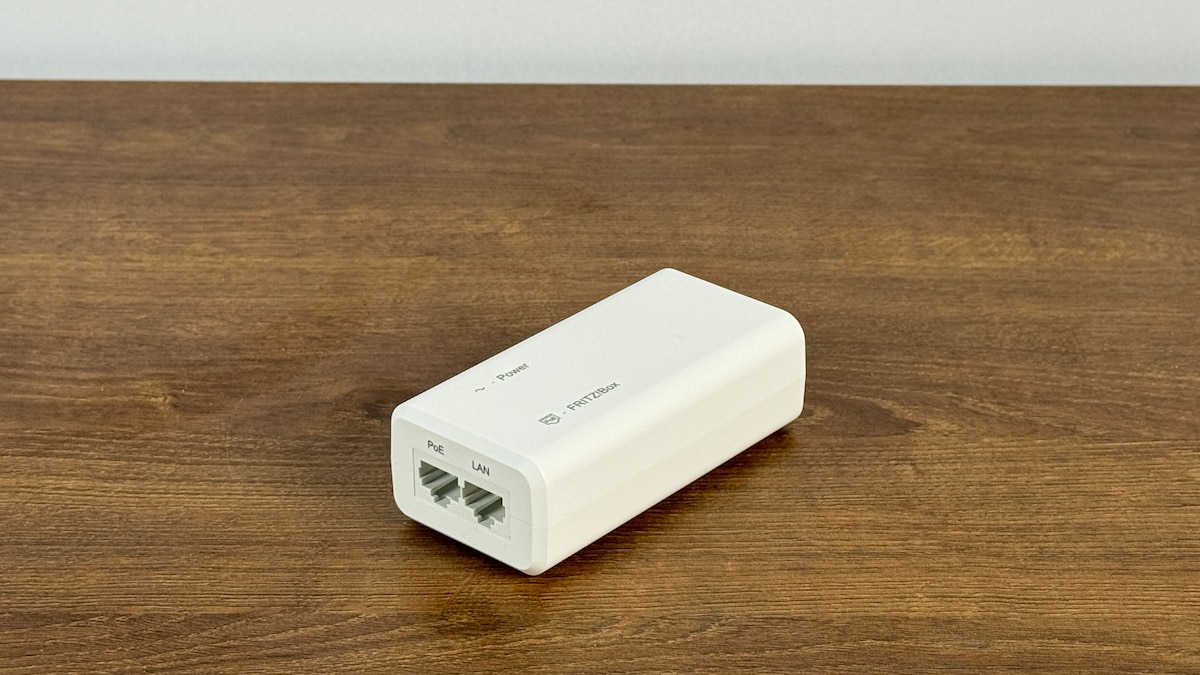
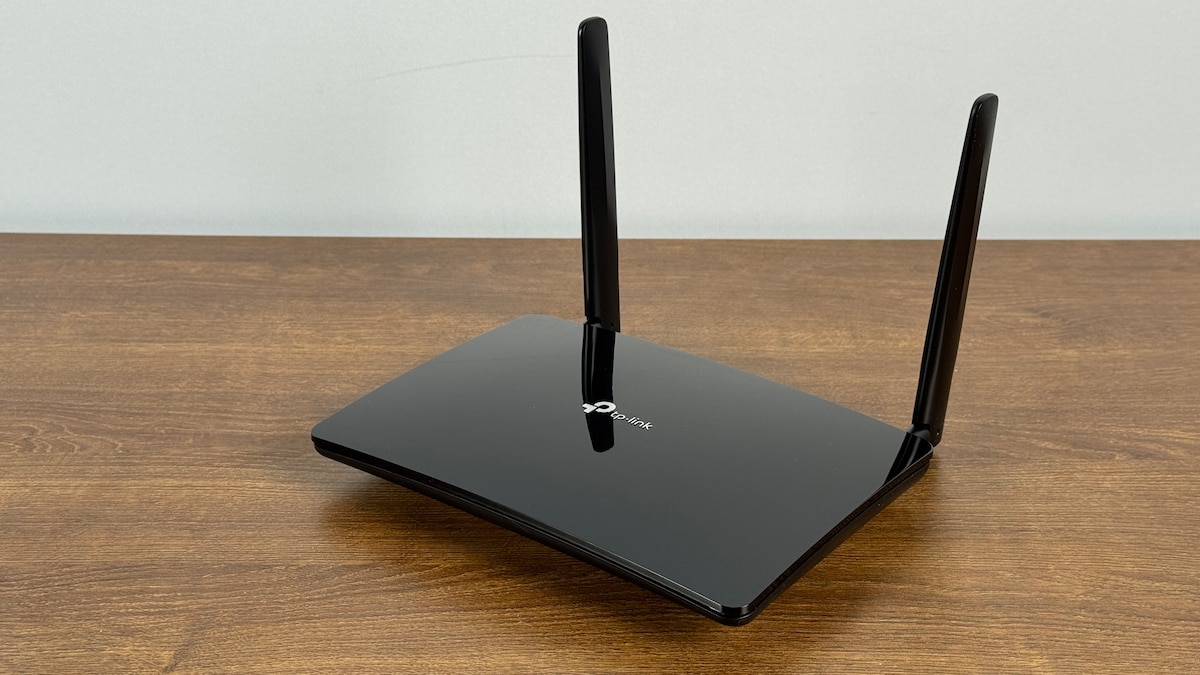
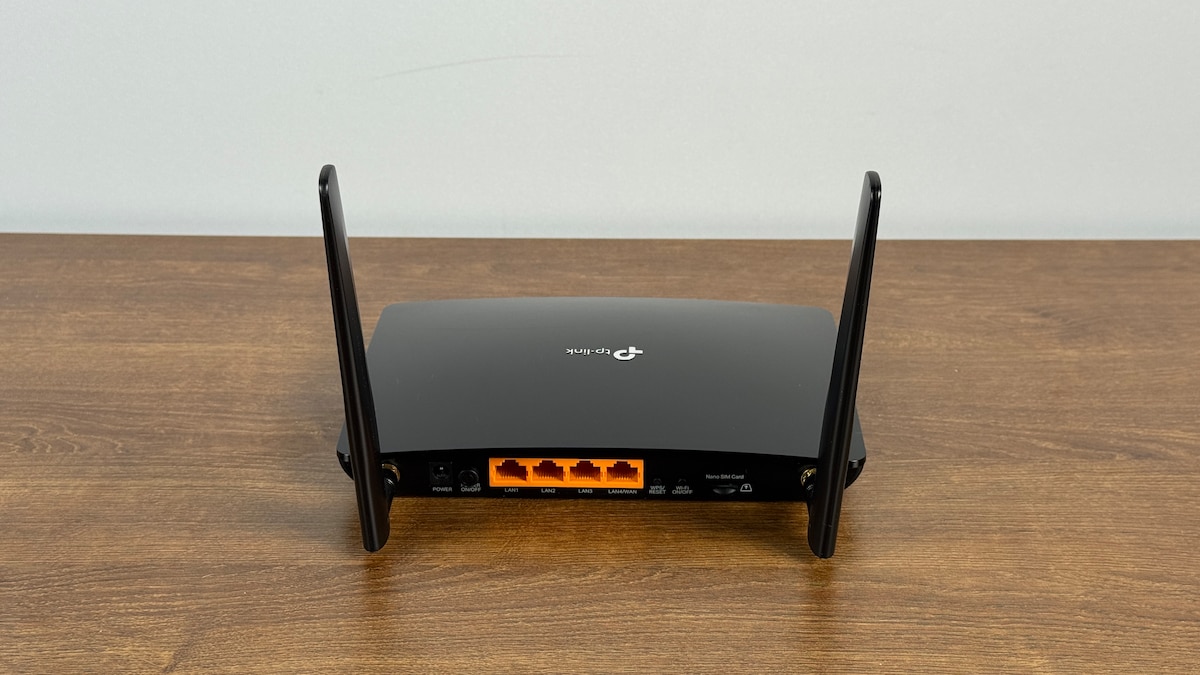
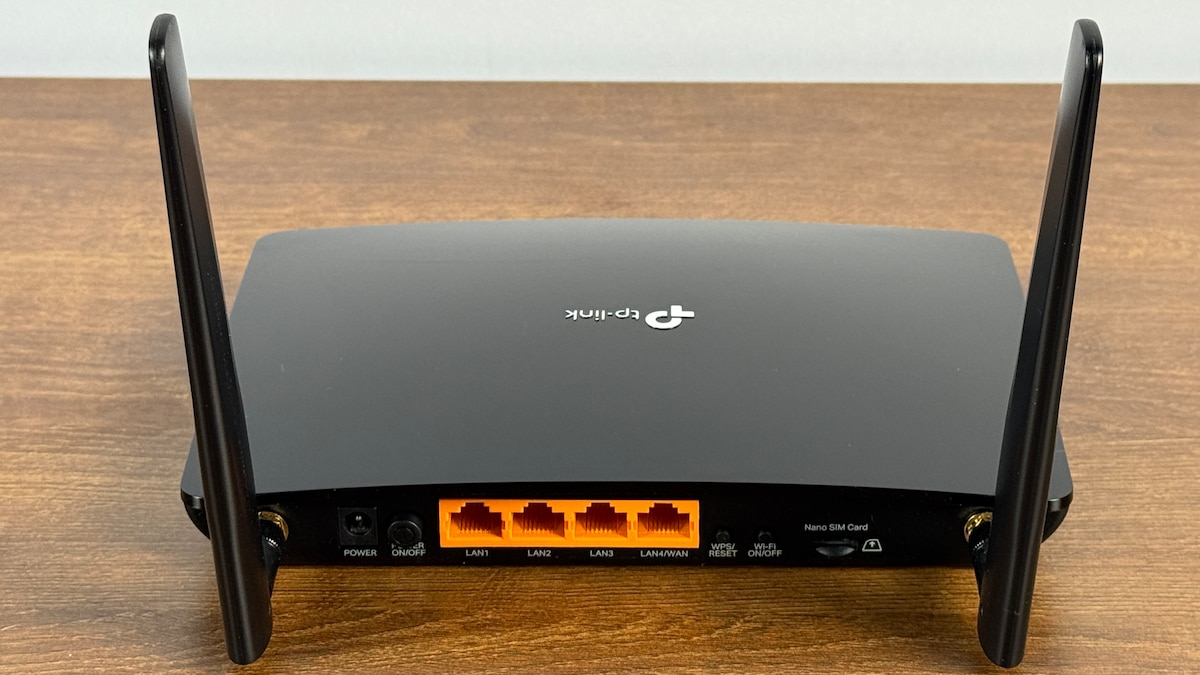
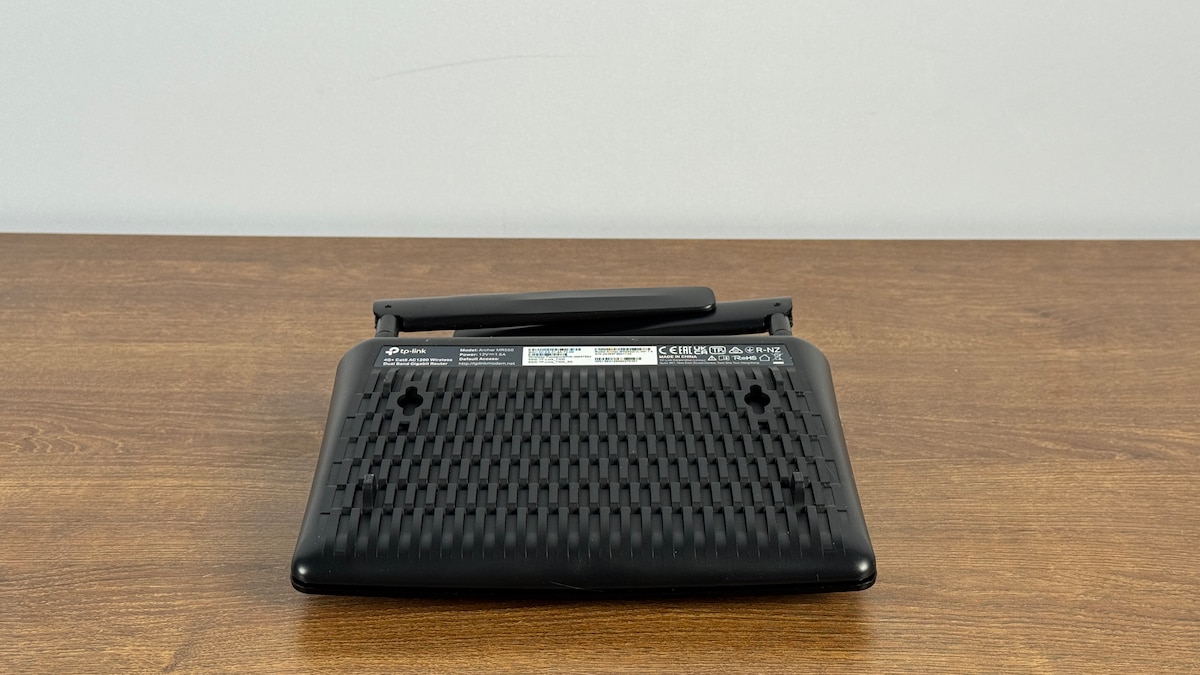
Preistipp: TP-Link Archer MR550
TP-Link Archer MR550
- Testurteil: Gut (2,5)
- Performance: Befriedigend (3,2)
- Funktionalität: Gut (2,2)
- Ausstattung: Gut (2,2)
- Handhabung: Gut (1,8)
- Leistungsaufnahme: Gut (1,8)
- Einfache Steuerung
- Prima Ausstattung mit vielen Ports
- Geringe Leistungsaufnahme
-
Nachteile
- Mittelmäßige WLAN-Performance
- VPN ohne Wireguard
- Kein Access-Point-Modus
Testfazit
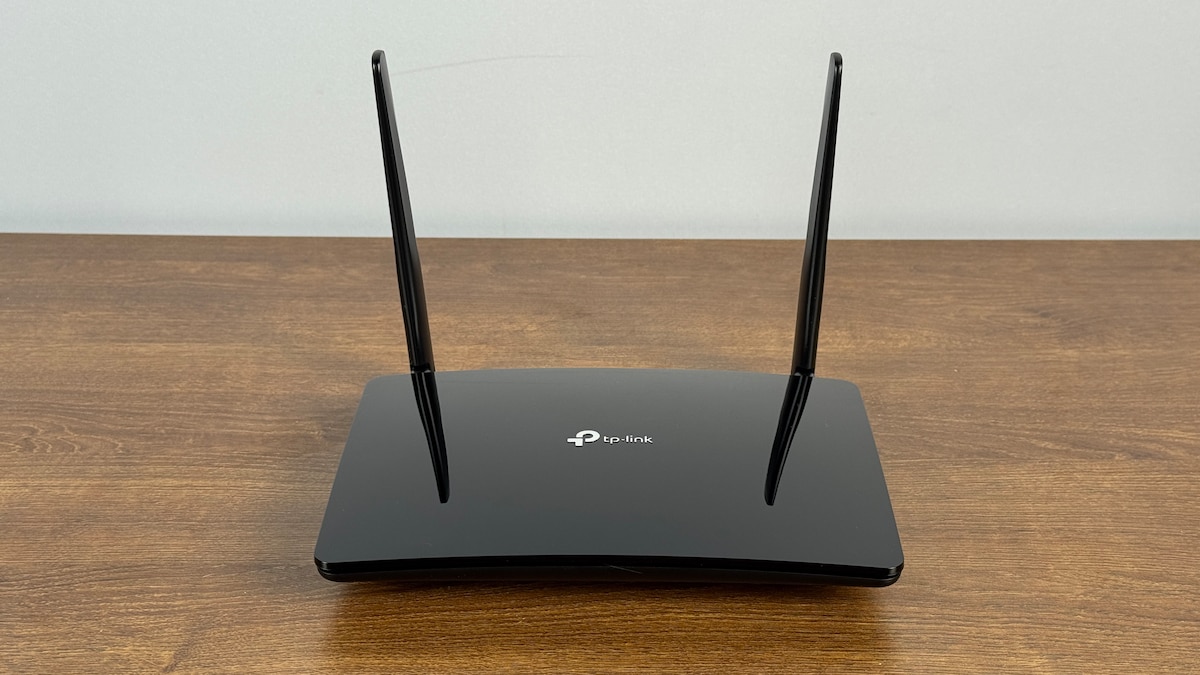
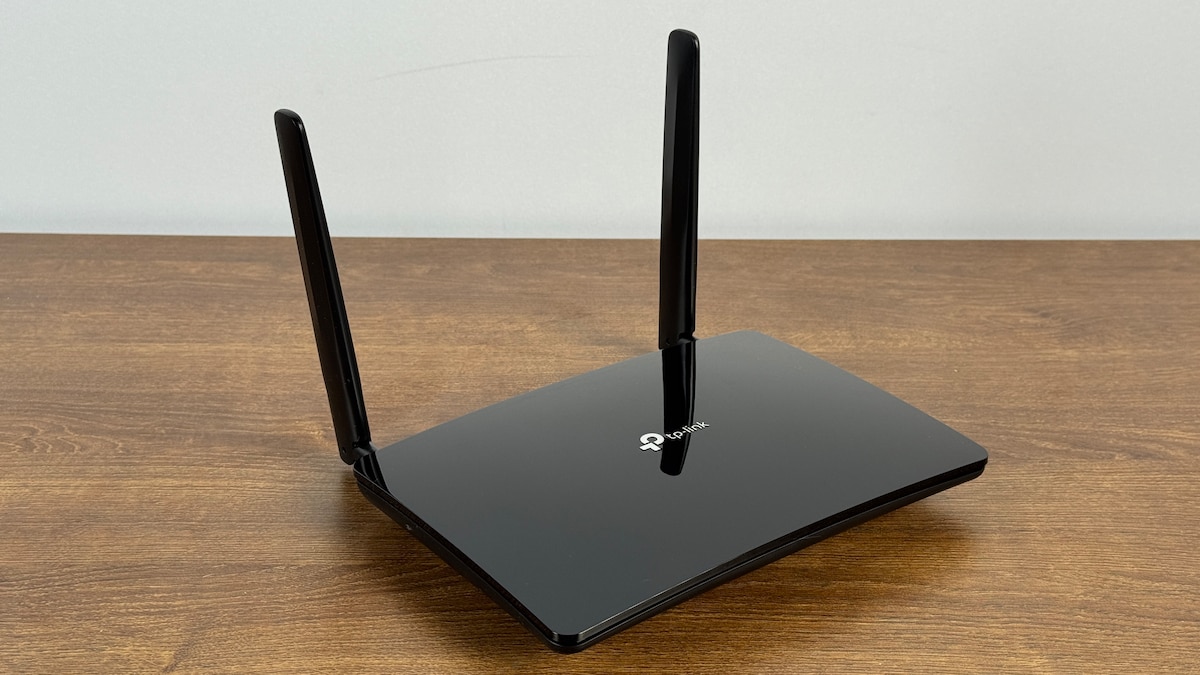
The TP-Link Archer MR550 is a solid mobile router for LTE. It supports all major frequencies and uses nano-SIM cards. The router does not support 5G networks. Furthermore, it only uses the older Wi-Fi 5 standard for Wi-Fi, resulting in somewhat reduced Wi-Fi performance. In real-world data transfer tests, we achieved an average speed of 289 Mbps, with a maximum measured speed of 712 Mbps. This is adequate for typical internet use. The device also offers three LAN ports and one LAN/WAN interface, each with a transfer rate of 1 Gbps. USB connectivity is not available. The router is not suitable as a smart home hub, and there are no ports for connecting phones. Setup is somewhat cumbersome, as there are no convenient QR codes for scanning. However, it does offer an excellent web interface with context-sensitive help. There is no pre-set device password, but the default Wi-Fi key is secure. WPA3 encryption for Wi-Fi is enabled by default. The router can function as a VPN server, but the WireGuard standard is not supported. It can also be used as a router or repeater in a Wi-Fi mesh network. Dynamic DNS is available. Additional router functionality, such as a print server or access point, is not offered. However, the device is relatively energy-efficient during operation.
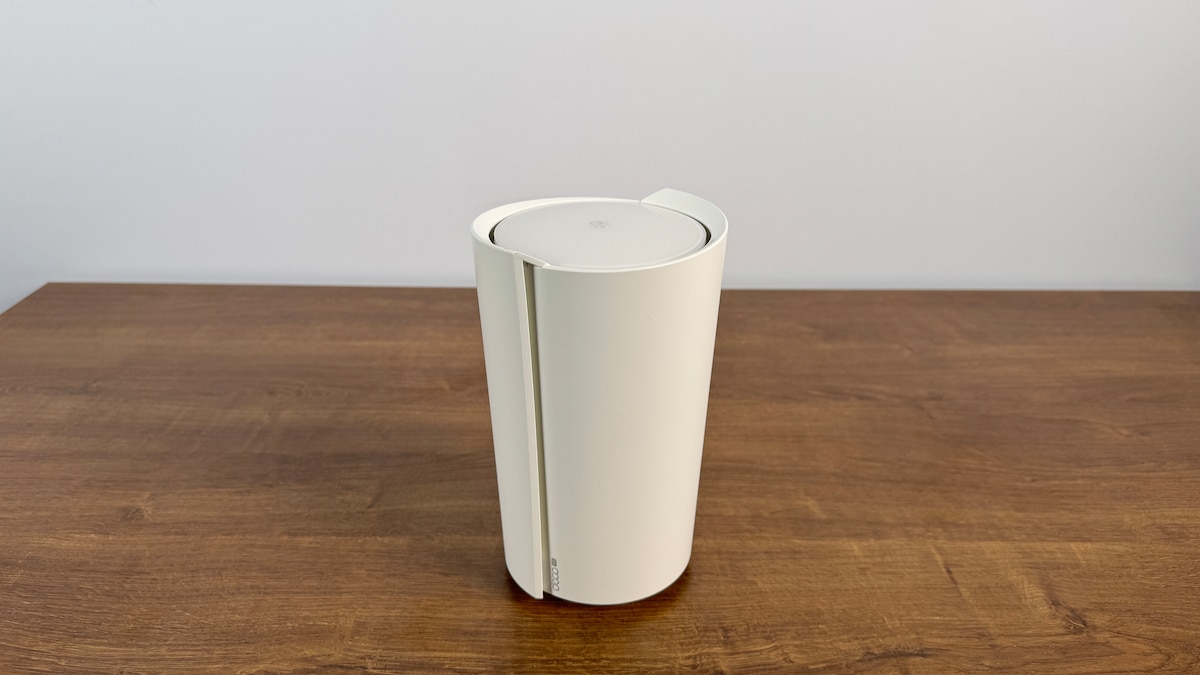
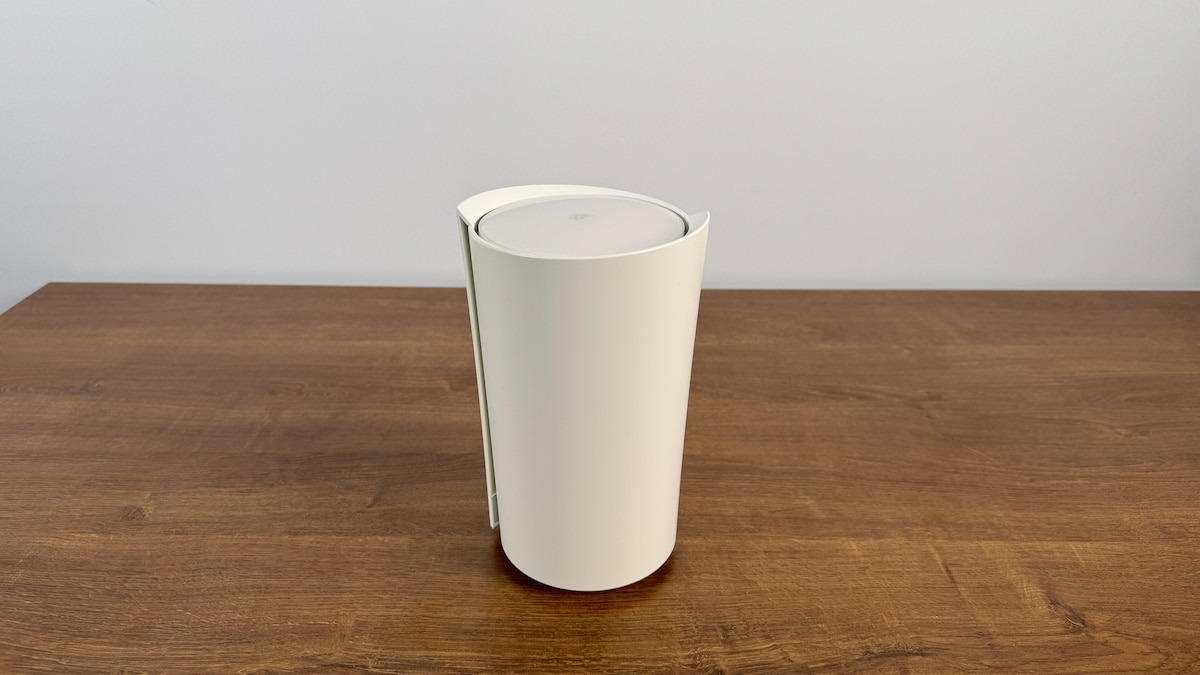
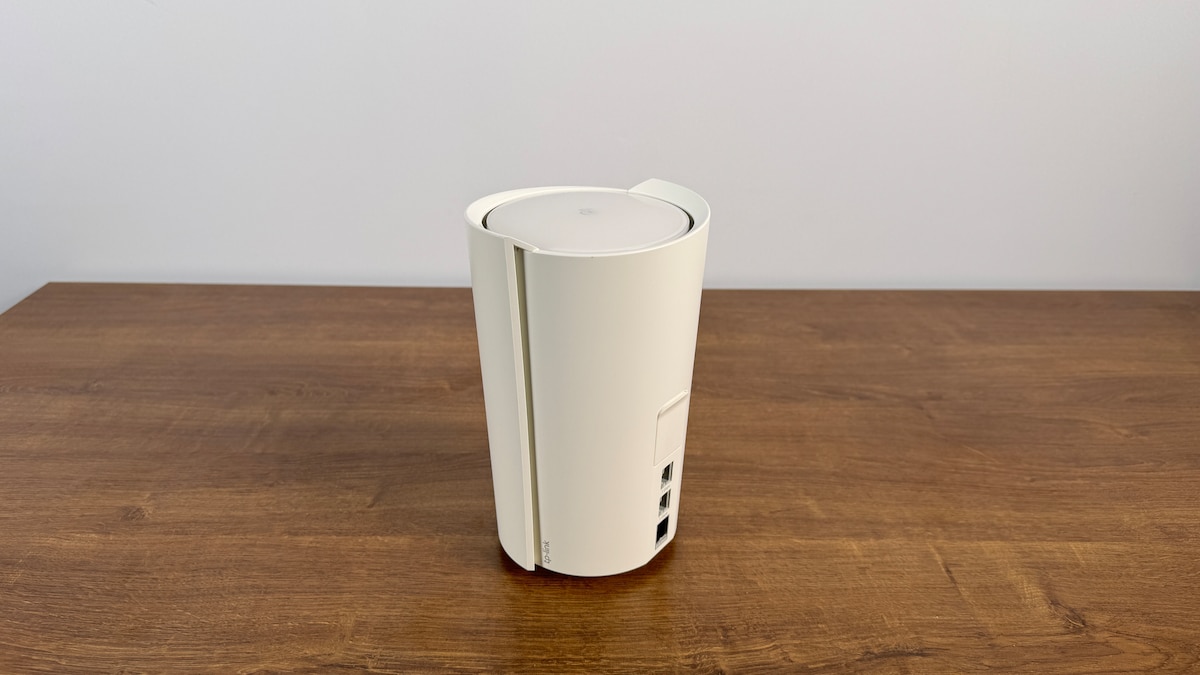
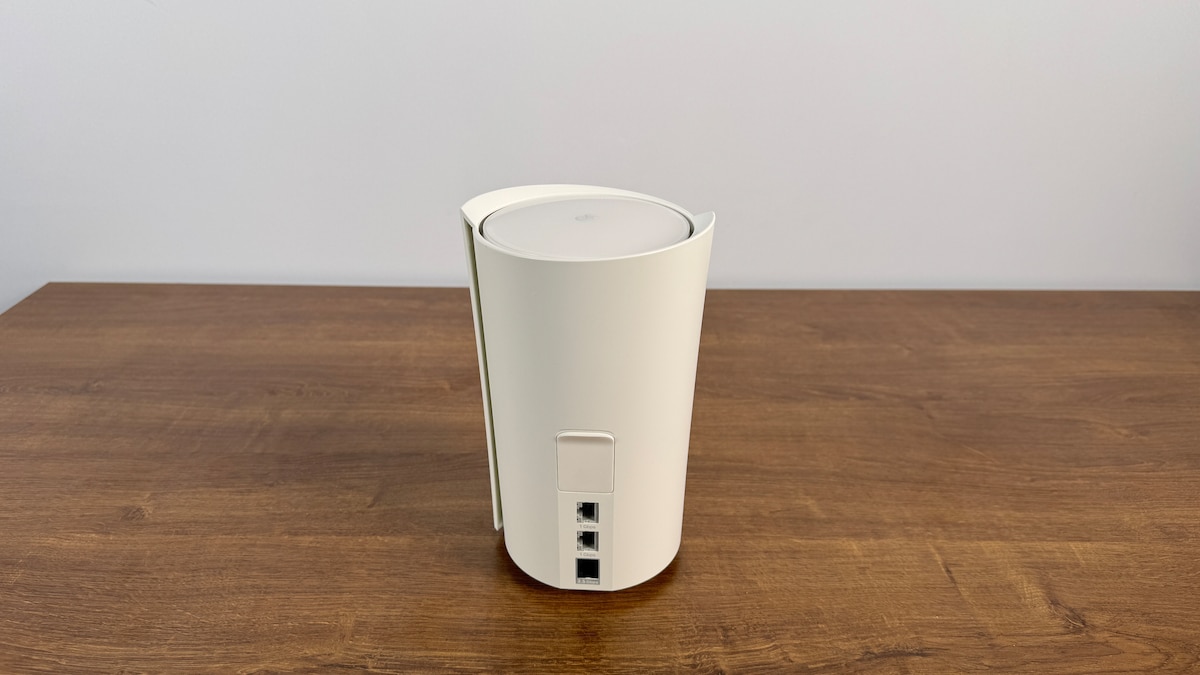
Top-Alternative: TP-Link Deco X50-5G
TP-Link Deco X50-5G
- Testurteil: Gut (1,6)
- Performance: Sehr gut (1,3)
- Funktionalität: Gut (1,8)
- Ausstattung: Sehr gut (1,1)
- Handhabung: Befriedigend (2,8)
- Leistungsaufnahme: Befriedigend (2,8)
-
Vorteile
- Starke WLAN-Performance
- Super Ausstattung inklusive Smart Home
- Praktische Funktionen
-
Nachteile
- Voreingestellter Schutz ist lückenhaft
- Keine Telefonie-Funktionen und kein USB
- Leistungsaufnahme könnte besser sein
Test Summary
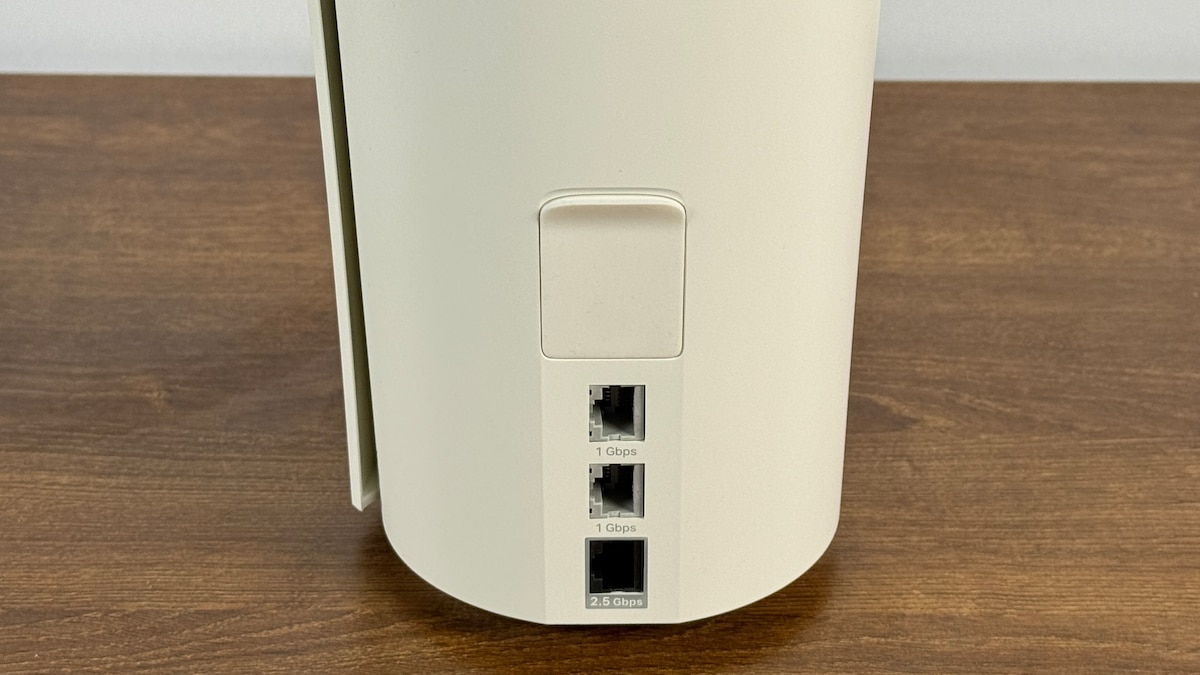
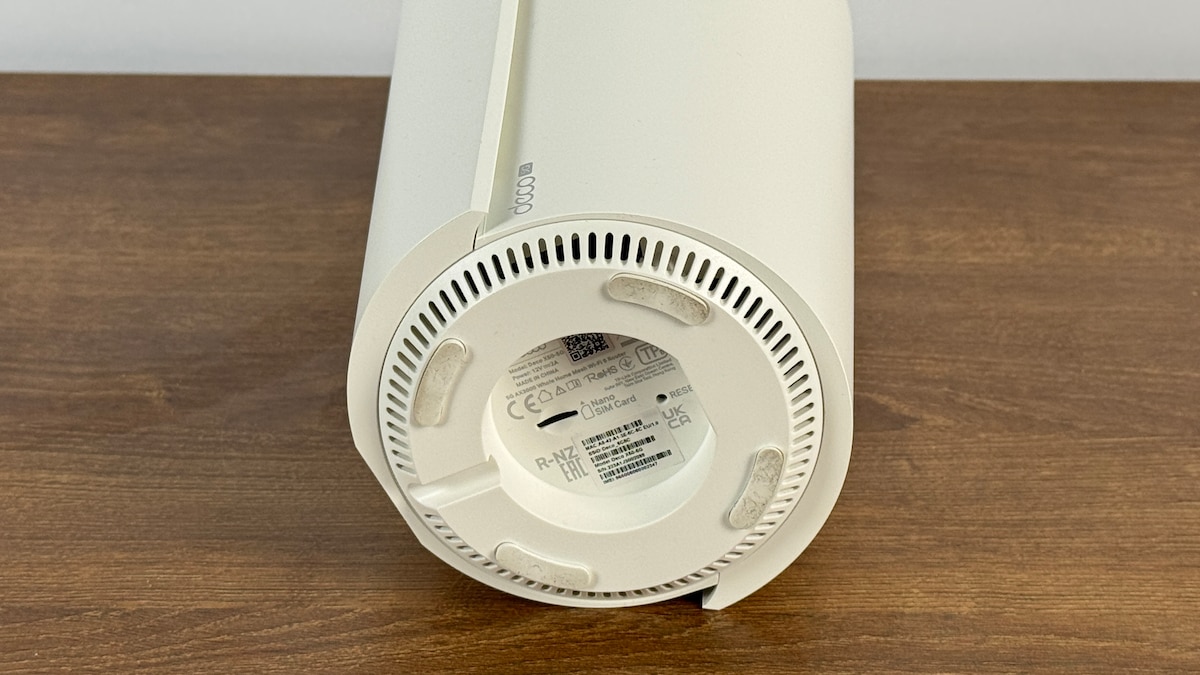
The TP-Link Deco X50-5G is a stationary 5G mobile router. It uses all important frequency bands in both LTE and 5G networks. A nano-SIM card is required, which can be easily inserted. The router creates a Wi-Fi network with the Wi-Fi 6 standard and a 160 MHz channel width. In our tests, this resulted in strong speeds. We measured a maximum data transfer rate of 1,533 Mbps, and even under more typical, everyday conditions, it still achieved 1,040 Mbps. The router is not designed for telephony, but it can optionally serve as a smart home hub. It supports the TP-Link brands Tapo and Kasa, as well as the open Matter standard. It also features three switchable LAN/WAN interfaces: two 1 Gbps and one 2.5 Gbps data transfer ports. There is no USB port. The user interface could be improved. Setup is straightforward, but the web interface for settings is limited. Furthermore, the default passwords and keys are not customizable and therefore insecure. WPA3 encryption is available but requires configuration. Dynamic DNS is supported. The TP-Link can also be used as a router or repeater in a Wi-Fi mesh network. An access point mode is included. NAS, FTP, and print server functionality are not supported. However, a VPN server with WireGuard is supported. Power consumption is acceptable, but the router could be more energy-efficient.
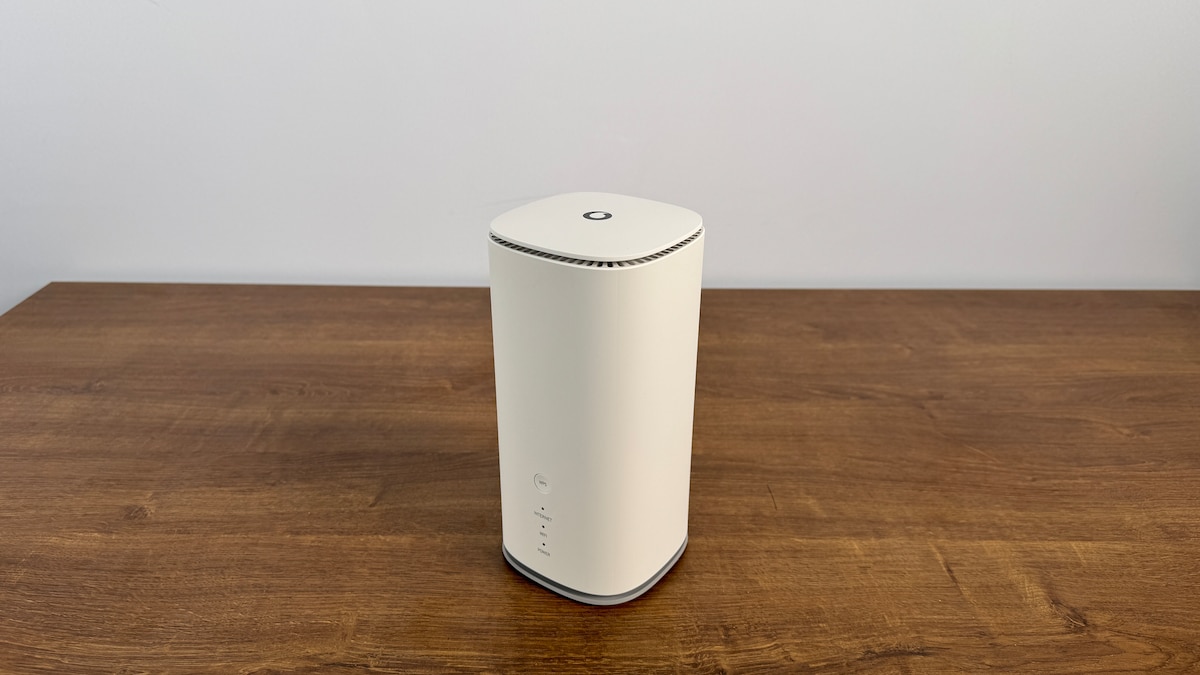
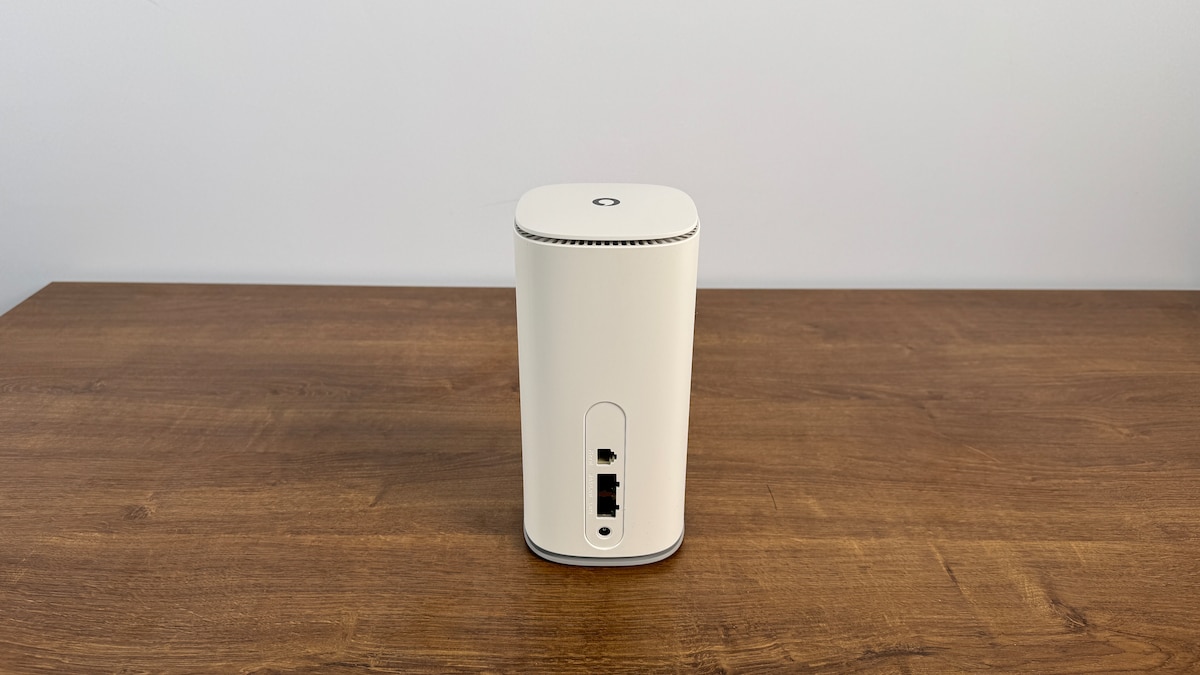
Beste WLAN-Performance: Vodafone GigaCube 5G (MC888 Ultra)
Vodafone GigaCube 5G (MC888 Ultra)
- Testurteil: Gut (1,8)
- Performance: Sehr gut (1,0)
- Funktionalität: Befriedigend (2,8)
- Ausstattung: Sehr gut (1,3)
- Handhabung: Gut (1,9)
- Leistungsaufnahme: Ausreichend (4,0)
-
Vorteile
- Exzellente WLAN-Performance
- Simple Einrichtung & Steuerung
- LAN/WAN mit 2,5 Gbit/s
-
Nachteile
- Kein VPN-Server & keine Cloud
- Eingeschränkte Funktionalität
- Hohe Leistungsaufnahme
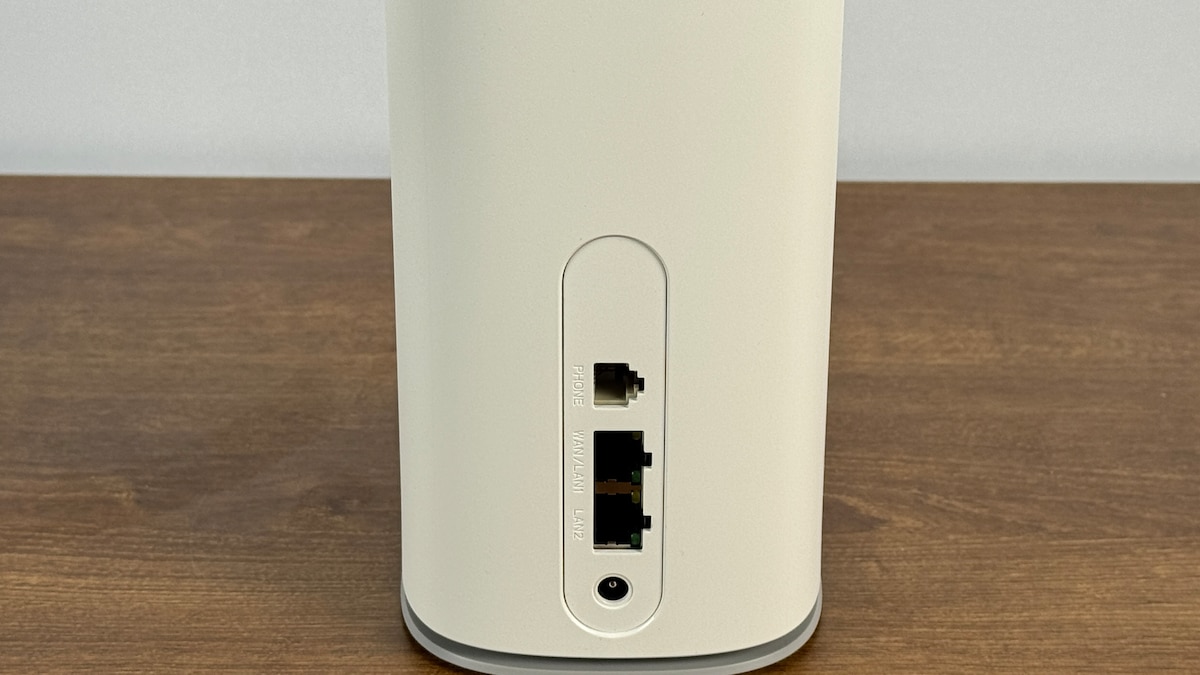
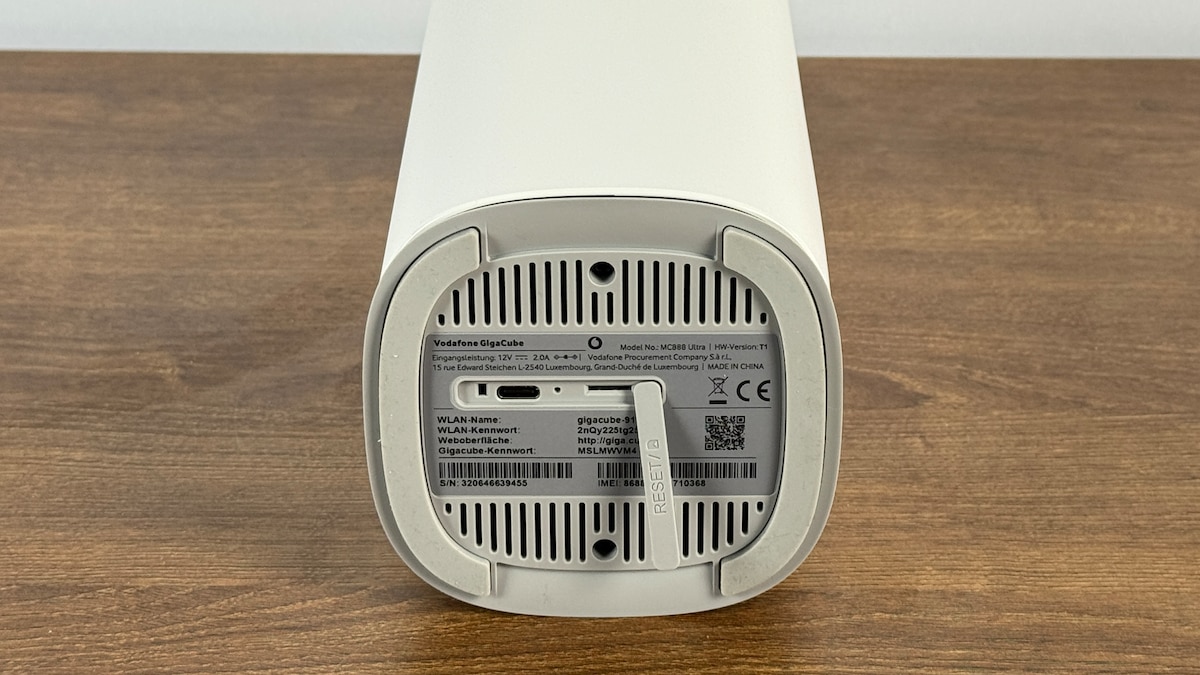
Test Conclusion
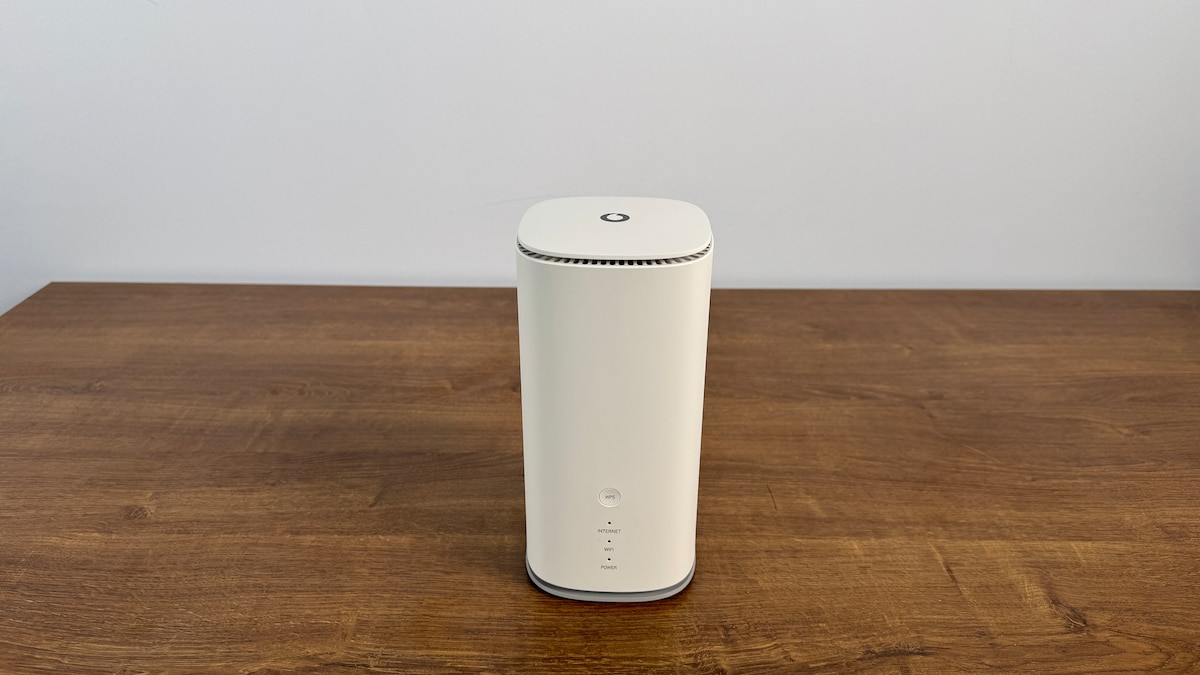
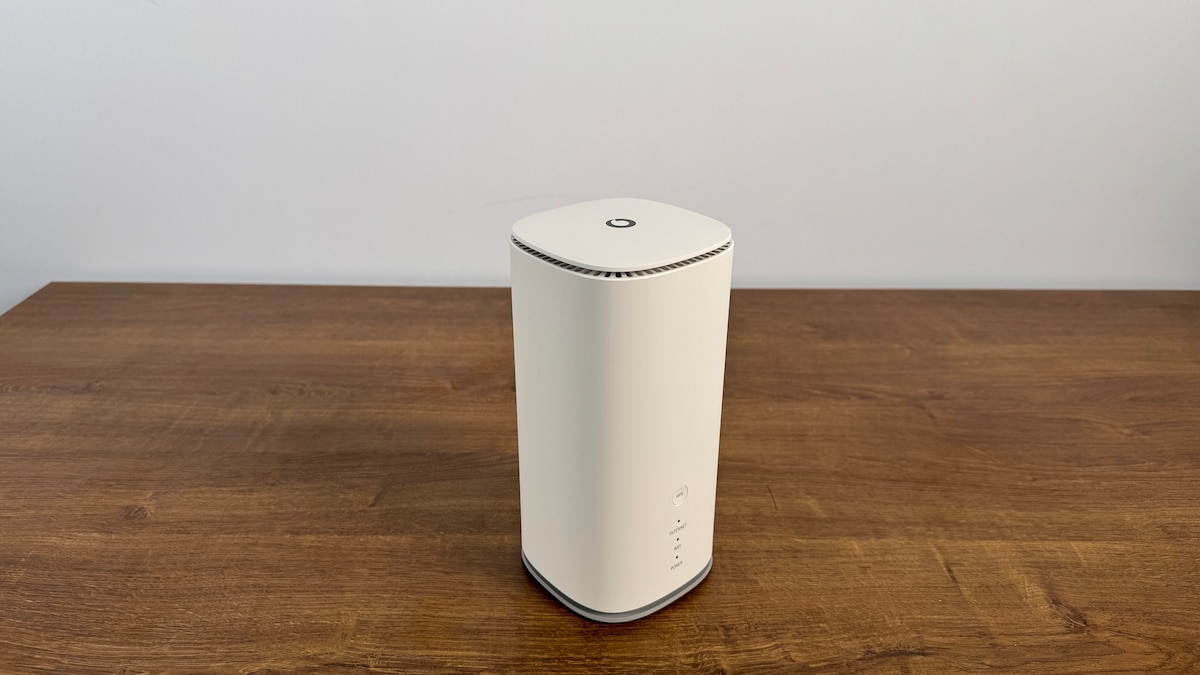
The Vodafone GigaCube 5G offers fast mobile network reception and high data rates via Wi-Fi. A nano-SIM card is required for use. The router supports all major frequency bands on the LTE network. However, it does not access the 800 MHz band on the 5G network, which may be relevant for reception in rural areas. On the other hand, the Wi-Fi 6 connection with its 160 MHz channel width proved to be blazing fast in our tests. We measured a maximum data transfer rate of 1,947 Mbps, and under practical conditions, it still achieved a respectable 1,183 Mbps. A fast wireless home network is therefore definitely possible. Ethernet ports are less common, but there is a fast 2.5 Gbps LAN/WAN port. The second LAN port offers 1 Gbps, and there is no USB port. An analog phone is supported, but neither DECT nor VoIP is. The router is also not designed for smart home control. Setup is simple, and the web interface makes it easy to manage. The factory-installed security measures are excellent, with WPA3 encryption enabled. The smartphone app, however, could be more comprehensive. And the feature set is rather limited: A VPN server cannot be set up, there’s no support for NAS, FTP, or printer control, and even cloud storage isn’t offered. Furthermore, the router cannot be used as an access point. However, it works flawlessly as a router or repeater in a Wi-Fi mesh network. Dynamic DNS is also included. The GigaCube’s power consumption is quite high.
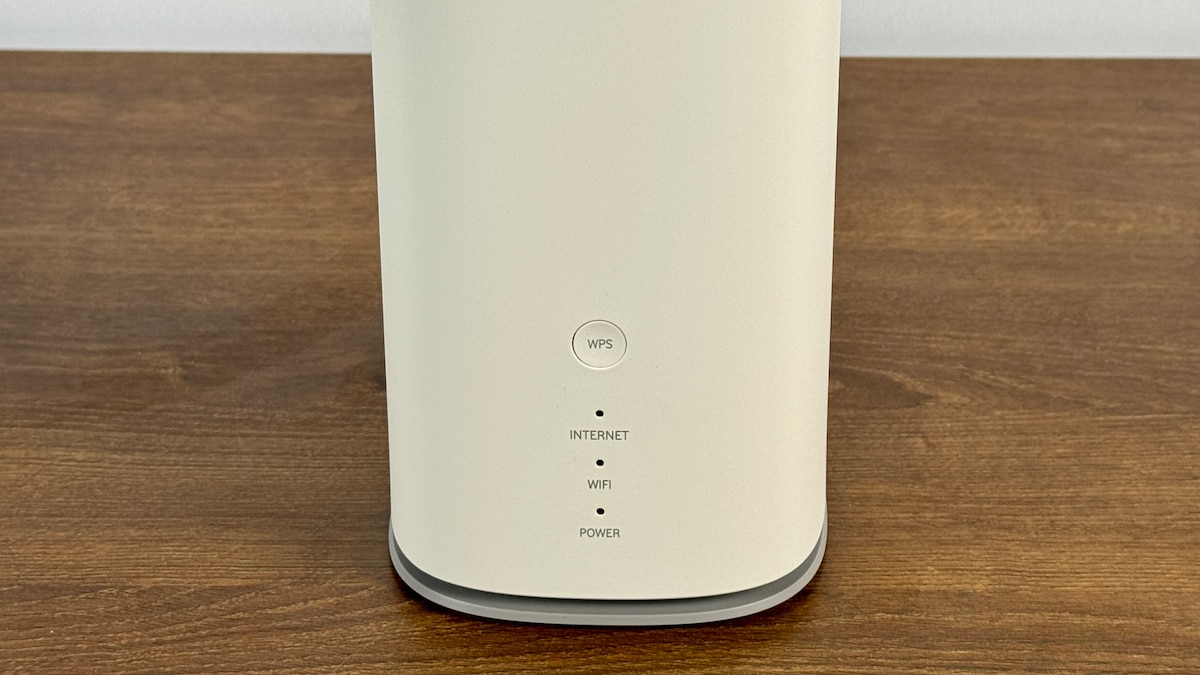
Beste Funktionalität: Fritz! Fritz!Box 6850 5G
Fritz! Fritz!Box 6850 5G
- Testurteil: Gut (1,8)
- Performance: Befriedigend (3,0)
- Funktionalität: Sehr gut (1,0)
- Ausstattung: Sehr gut (1,0)
- Handhabung: Sehr gut (1,1)
- Leistungsaufnahme: Gut (2,0)
-
Vorteile
- Üppige Ausstattung inklusive Smart Home
- Super Handhabung & Funktionalität
- Geringe Leistungsaufnahme
-
Nachteile
- Mittelmäßige WLAN-Performance
- Kein Wi-Fi 6
- Kein WAN und nur 1-Gigabit-LAN
Test Conclusion
The Fritz!Box 6850 stationary mobile router offers 5G via a mini-SIM, but doesn’t support all modern standards. The somewhat older Wi-Fi 5 standard is particularly noticeable. This results in a channel width of only 80 MHz and lower performance. Under optimal conditions, we achieved a maximum data throughput of 618 Mbps in our tests, while in practice, the average is closer to 369 Mbps. This is sufficient for internet browsing, but you can’t set up a truly high-speed home network with this router. The LAN ports are limited to 1 Gbps, but there are four of them. WAN is not available, but a USB 3.0 Type-A port is. In addition to VoIP and DECT, the router also offers a port for an analog phone. Smart home devices from the manufacturer can also be controlled. Ease of use is excellent. Besides simple setup and pre-configured security features, there’s a web interface that will satisfy both beginners and advanced users. WPA3 encryption for Wi-Fi is enabled by default. The router integrates seamlessly into a Wi-Fi mesh network, even as a repeater. It also features VPN functionality with WireGuard and supports NAS, FTP, and printer management. Dynamic DNS is also supported. The only feature missing is an access point mode. The router has low power consumption.
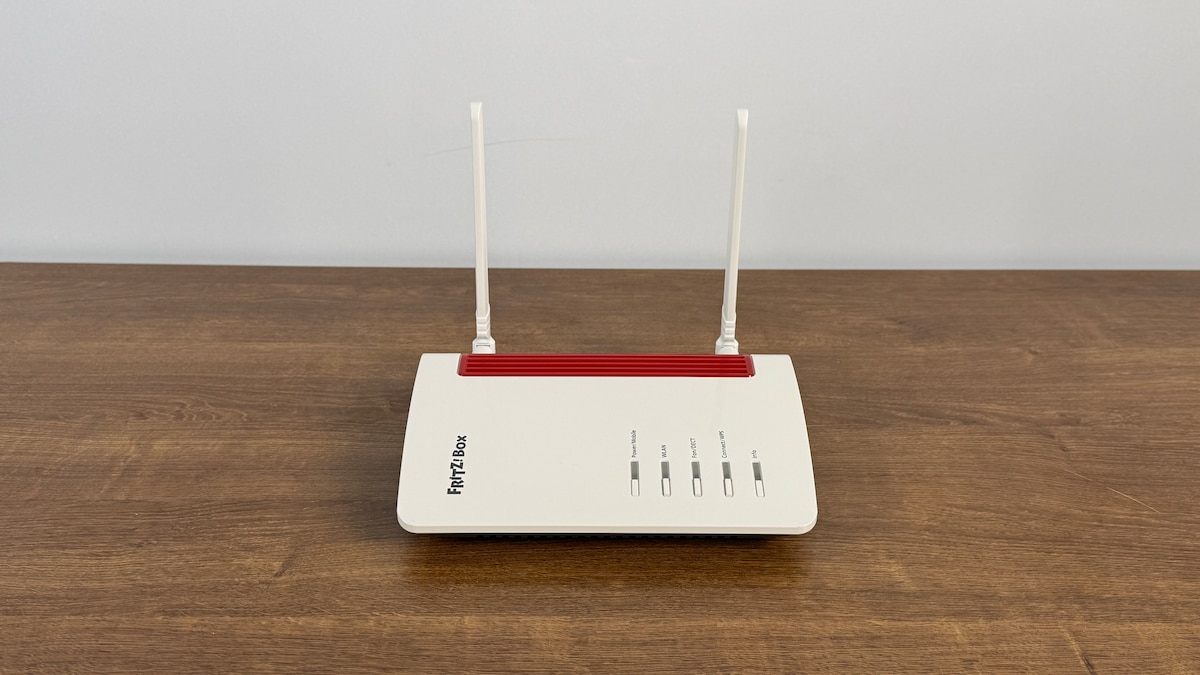
Fritz! Fritz!Box 6850 5G
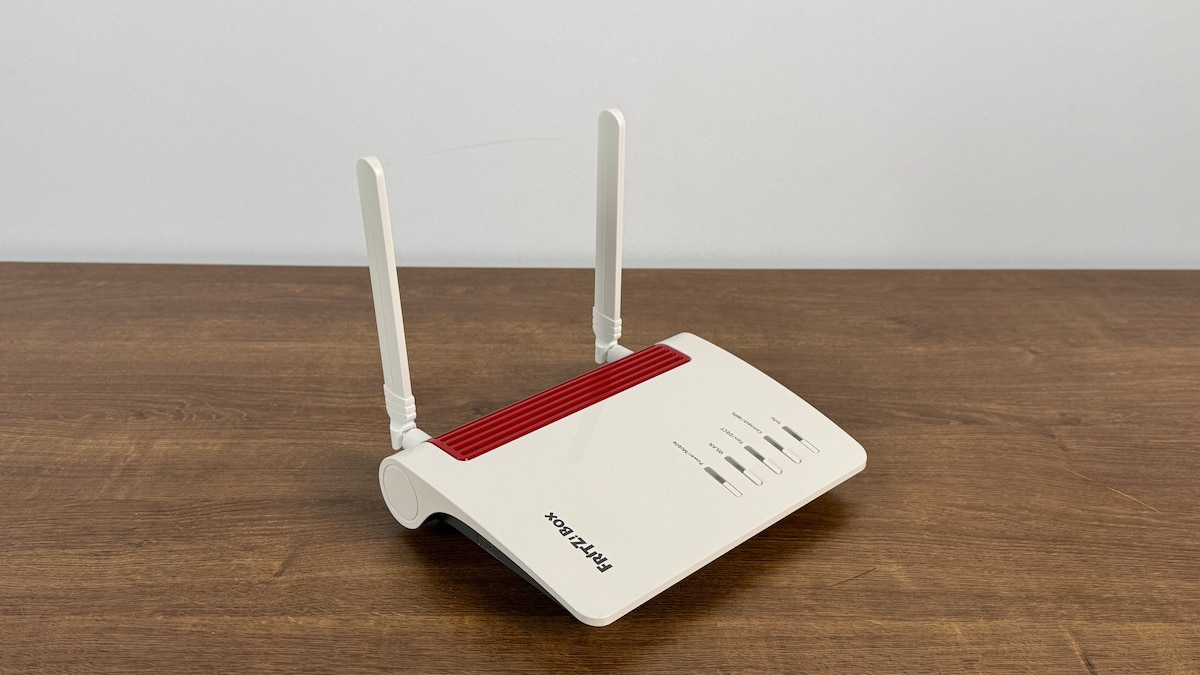
Fritz! Fritz!Box 6850 5G
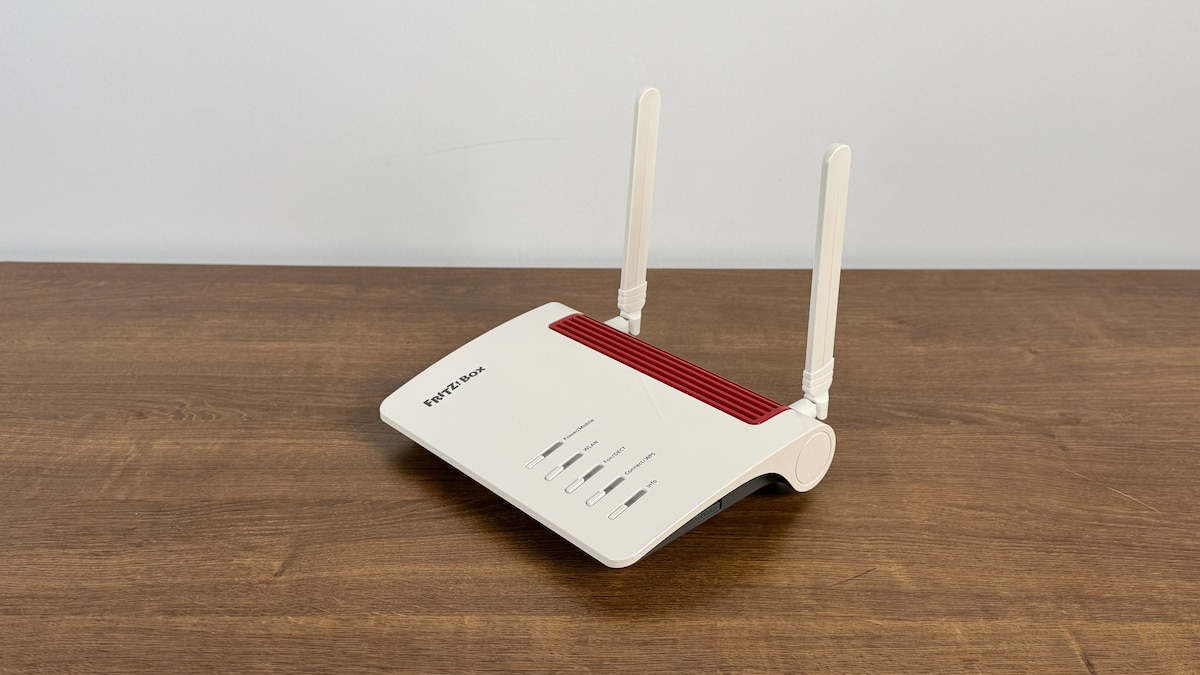
Fritz! Fritz!Box 6850 5G
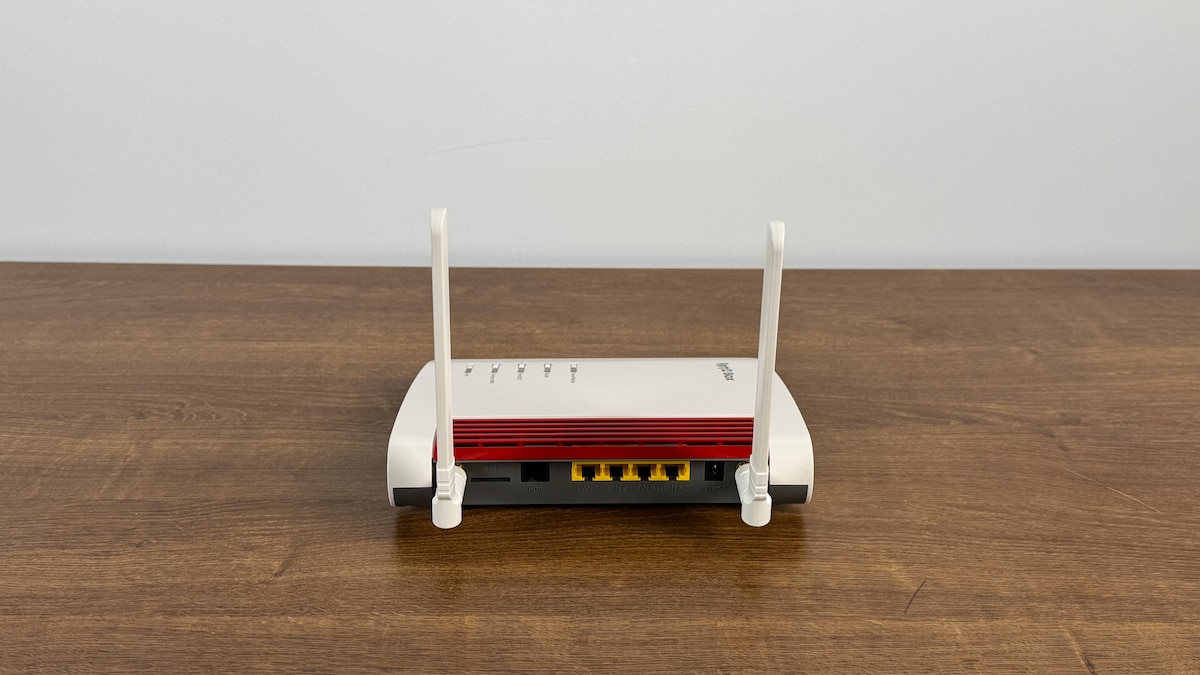
Fritz! Fritz!Box 6850 5G
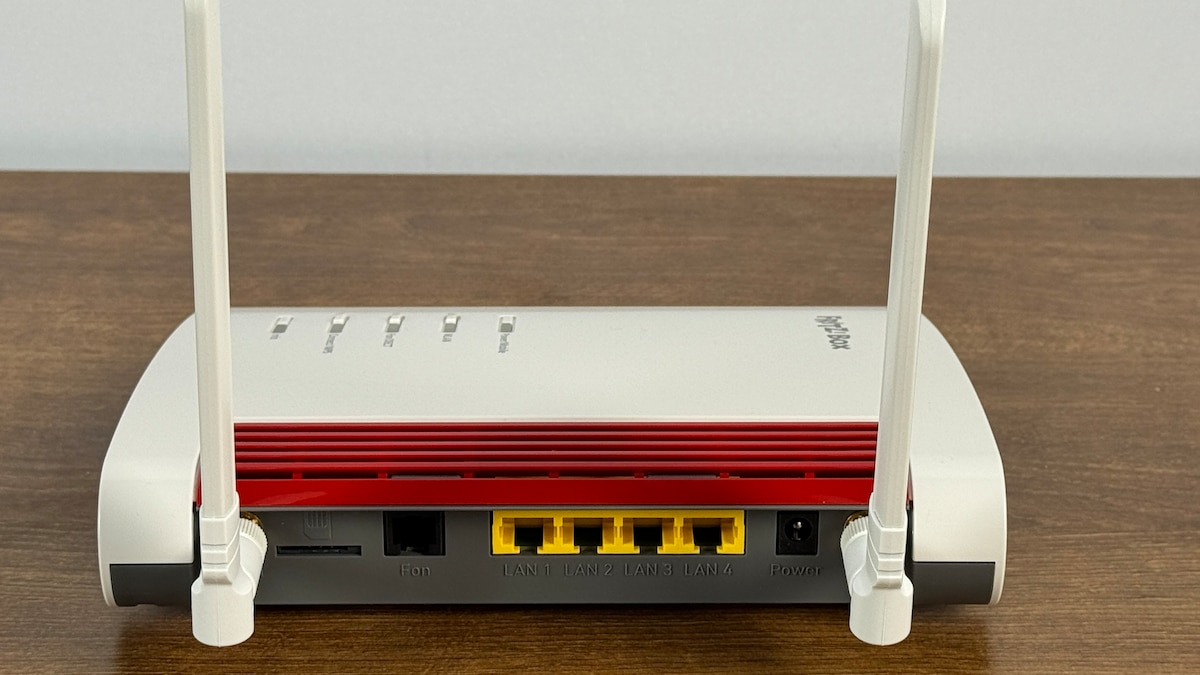
Fritz! Fritz!Box 6850 5G
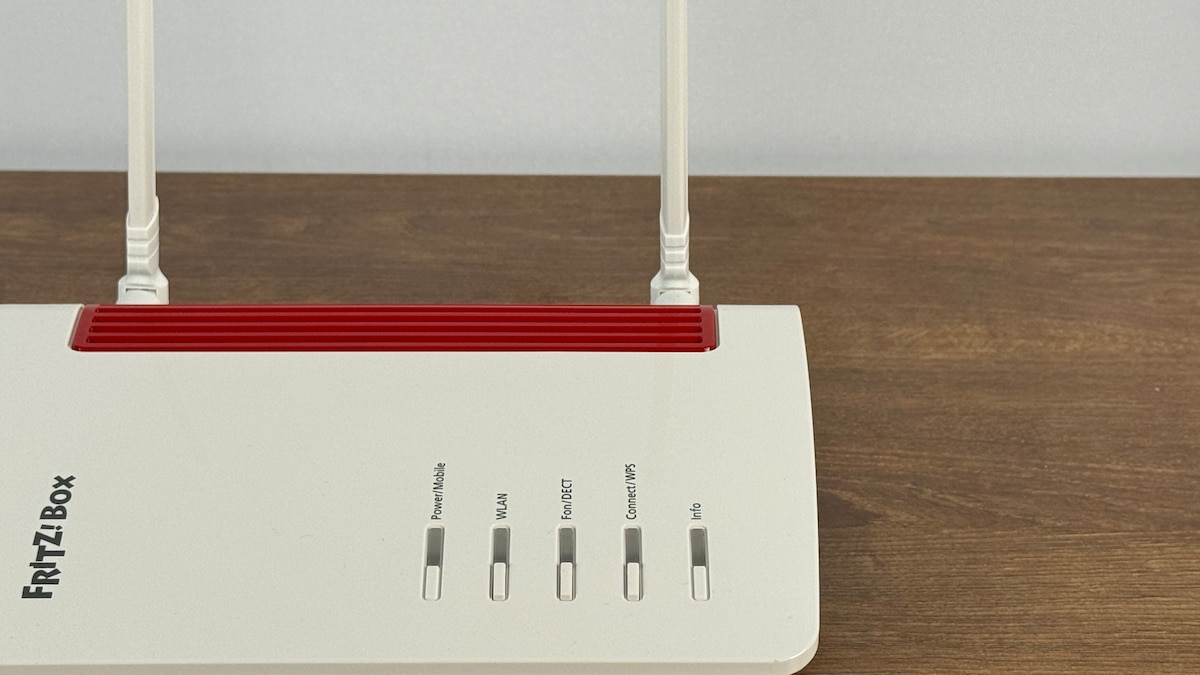
Fritz! Fritz!Box 6850 5G
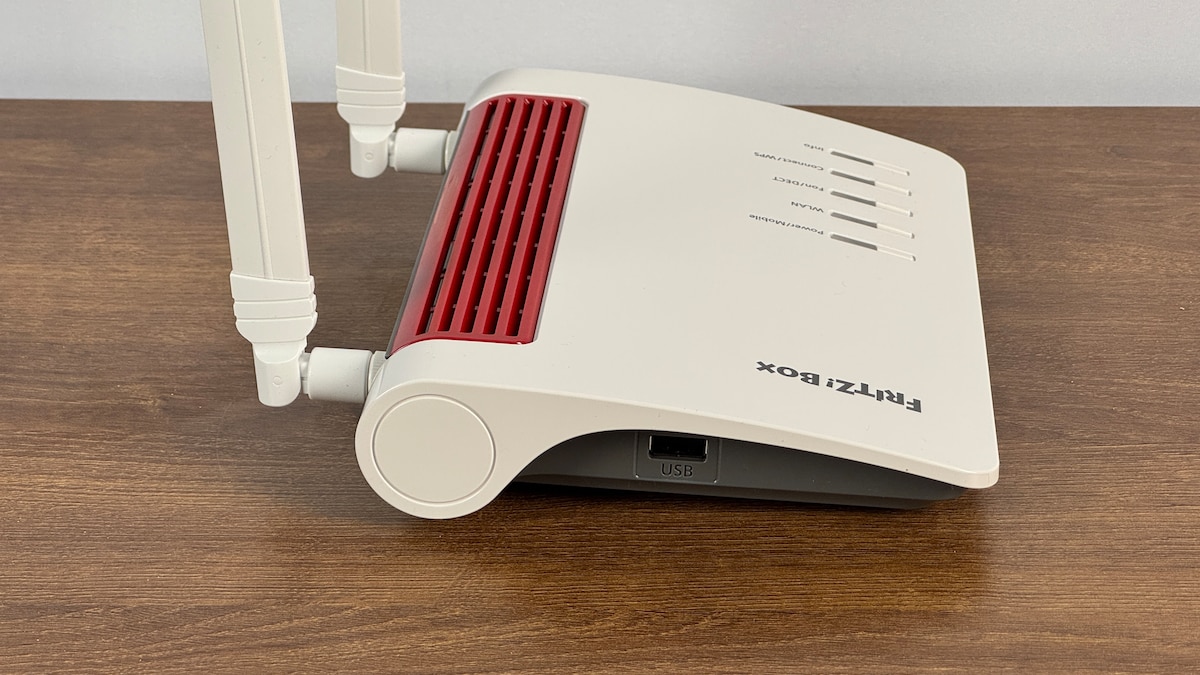
Fritz! Fritz!Box 6850 5G
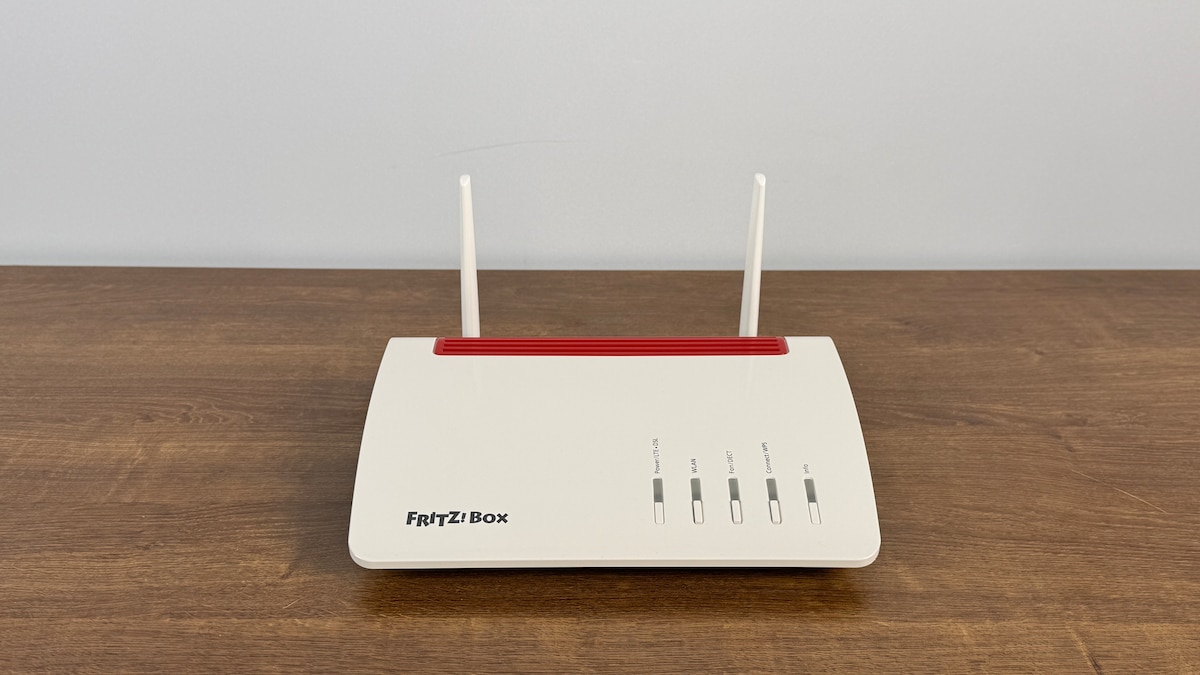
Fritz! Fritz!Box 6850 5G
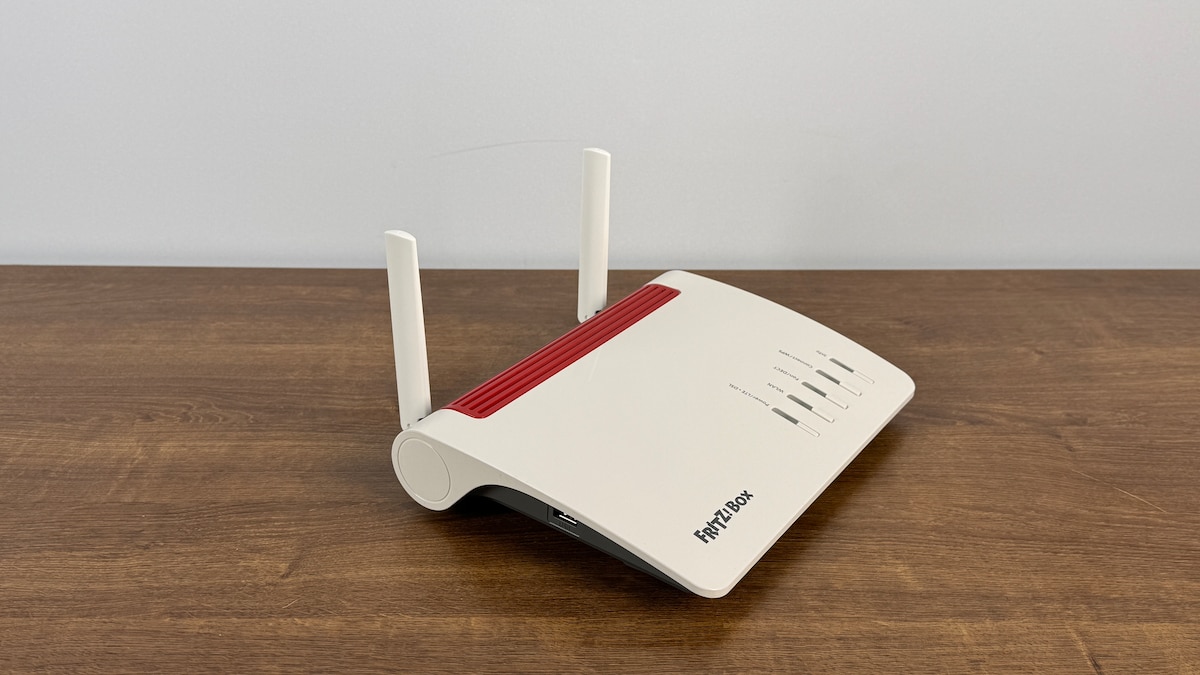
Fritz! Fritz!Box 6850 5G
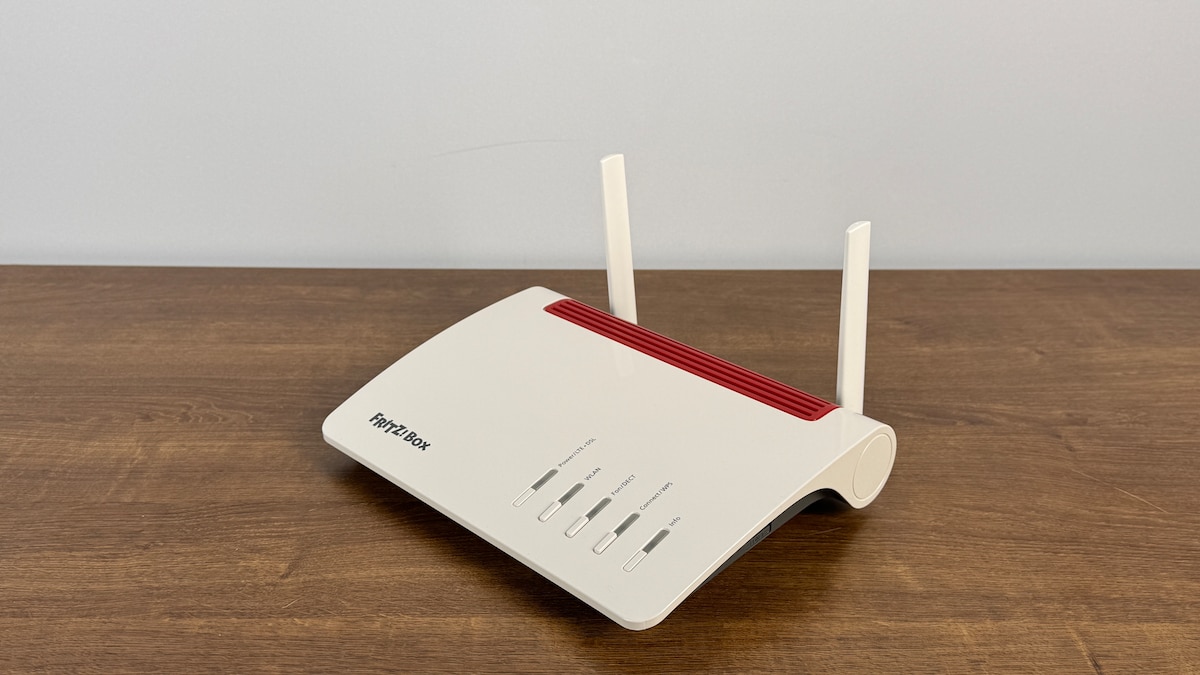
Fritz! Fritz!Box 6850 5G
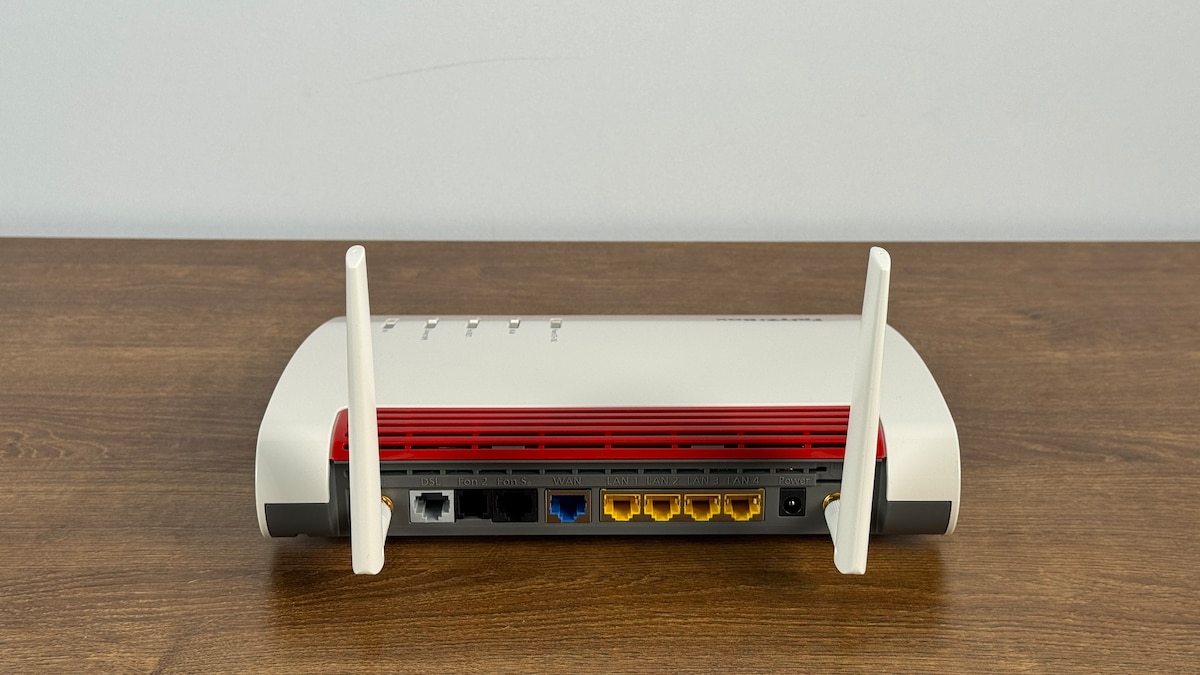
Fritz! Fritz!Box 6850 5G
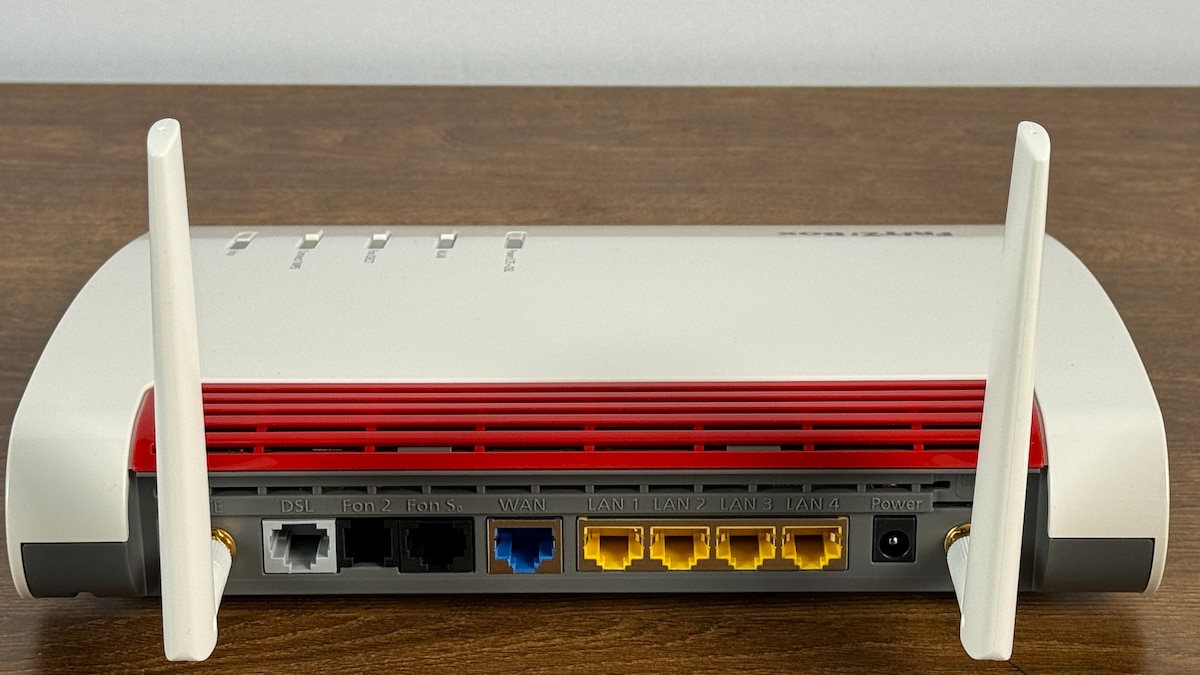
Fritz! Fritz!Box 6850 5G
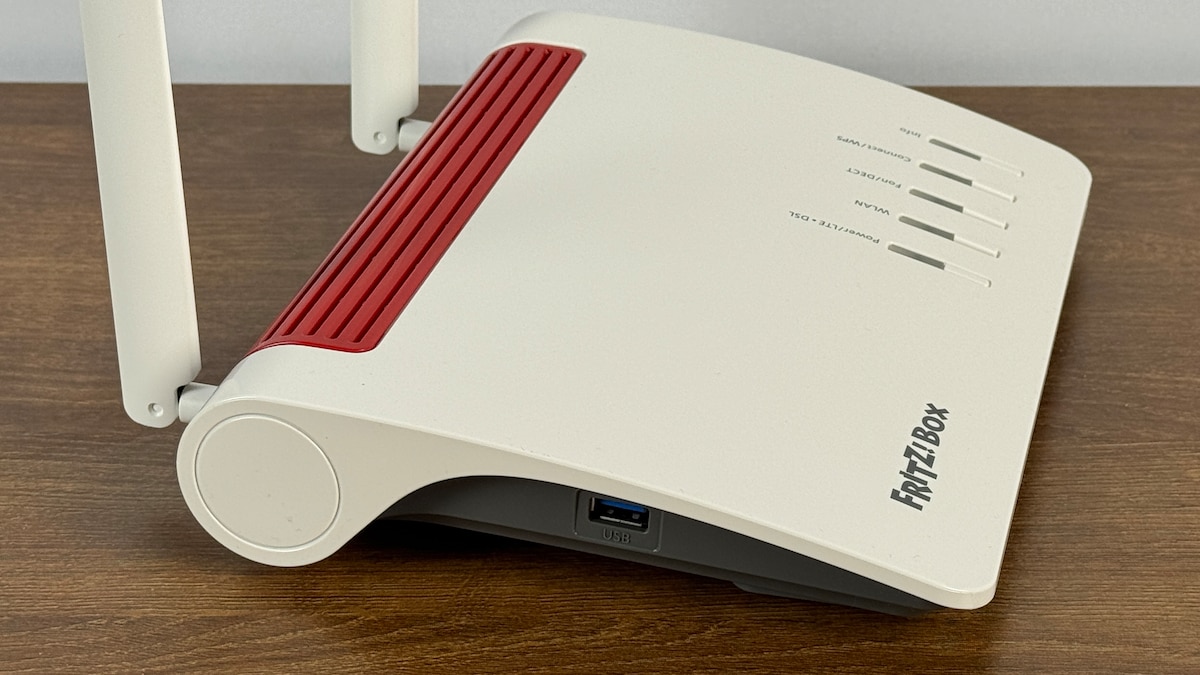
Fritz! Fritz!Box 6850 5G
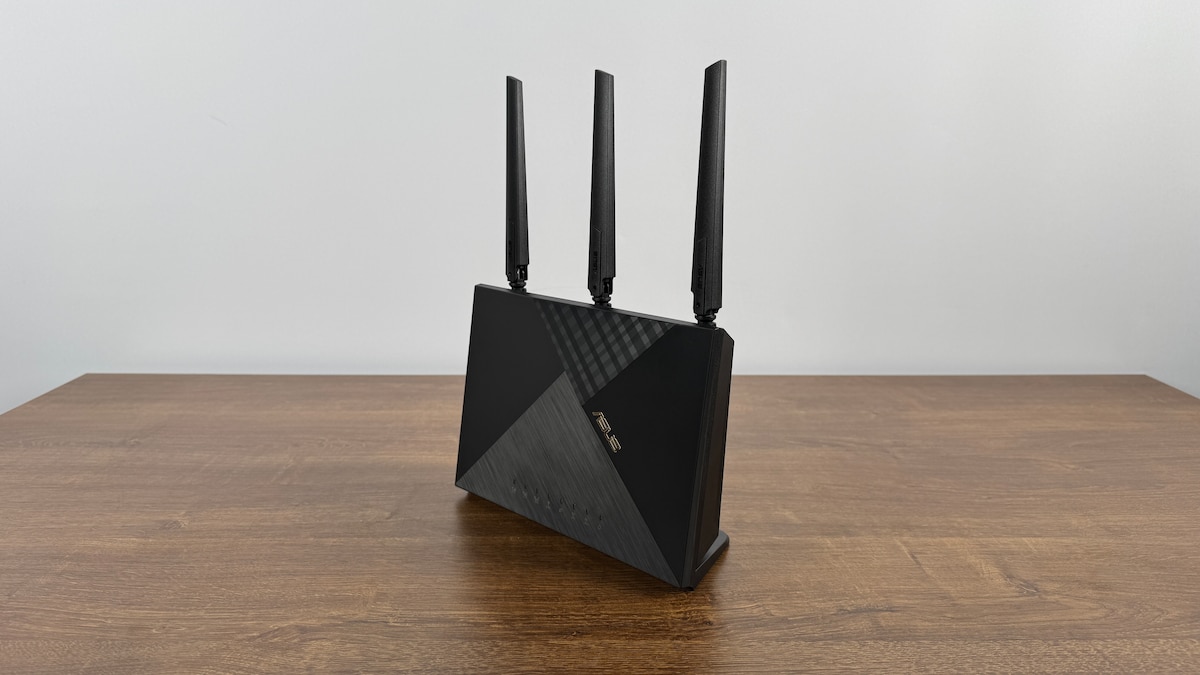
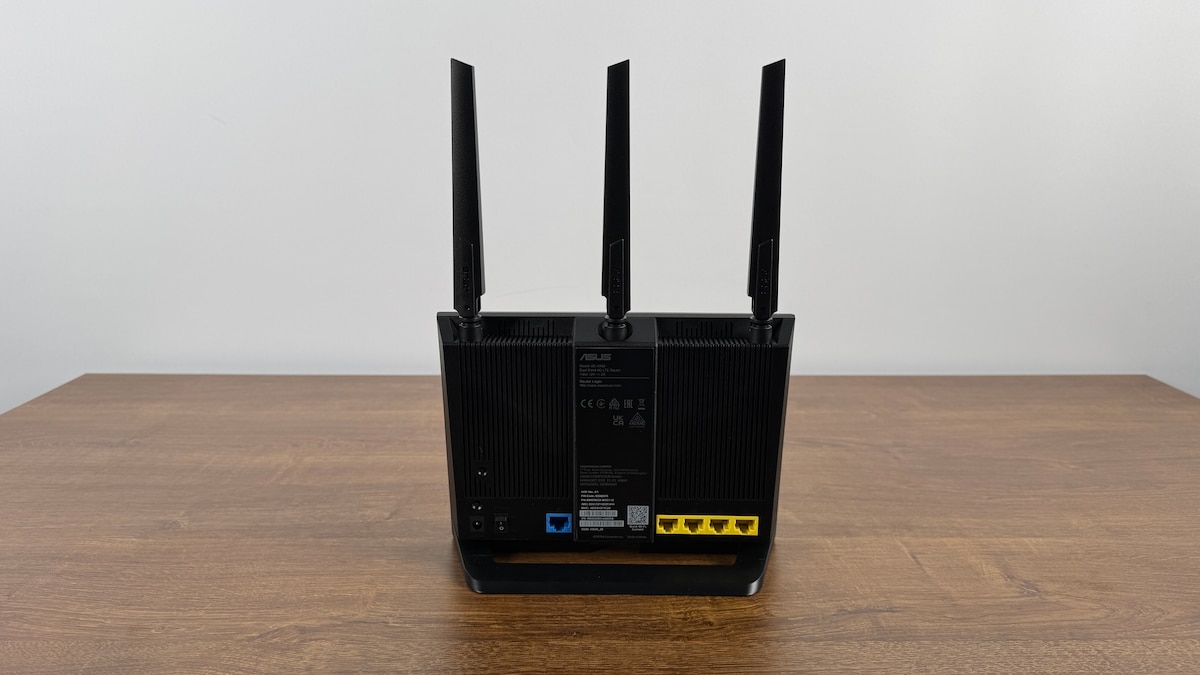
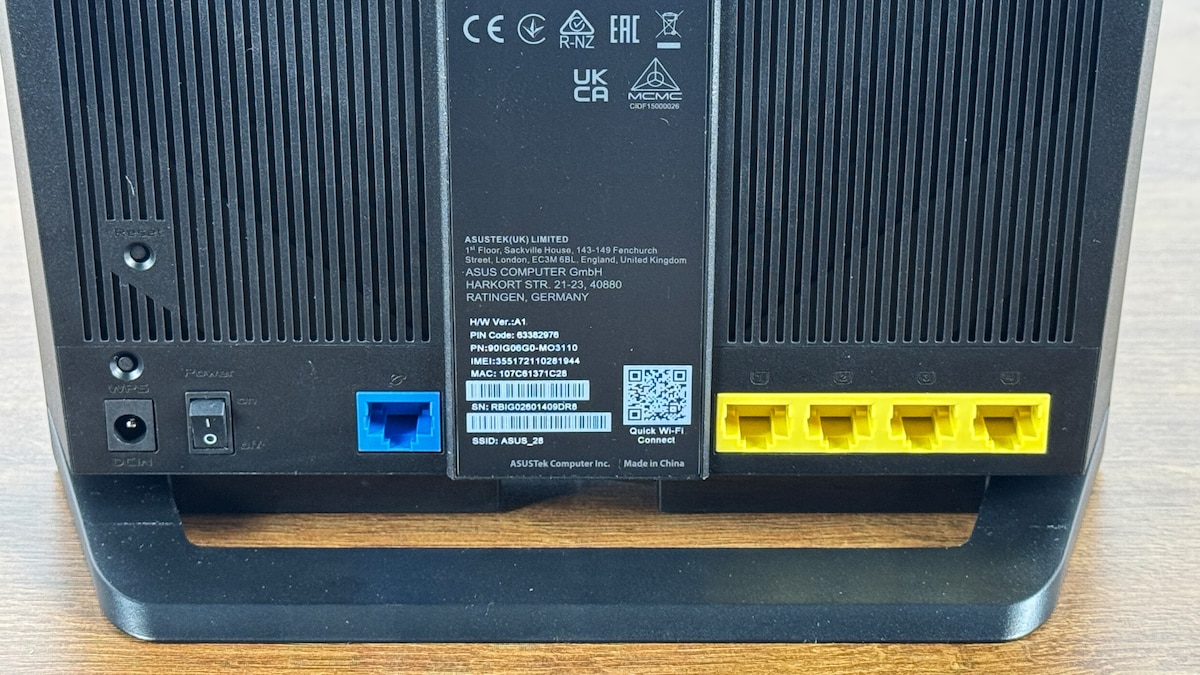
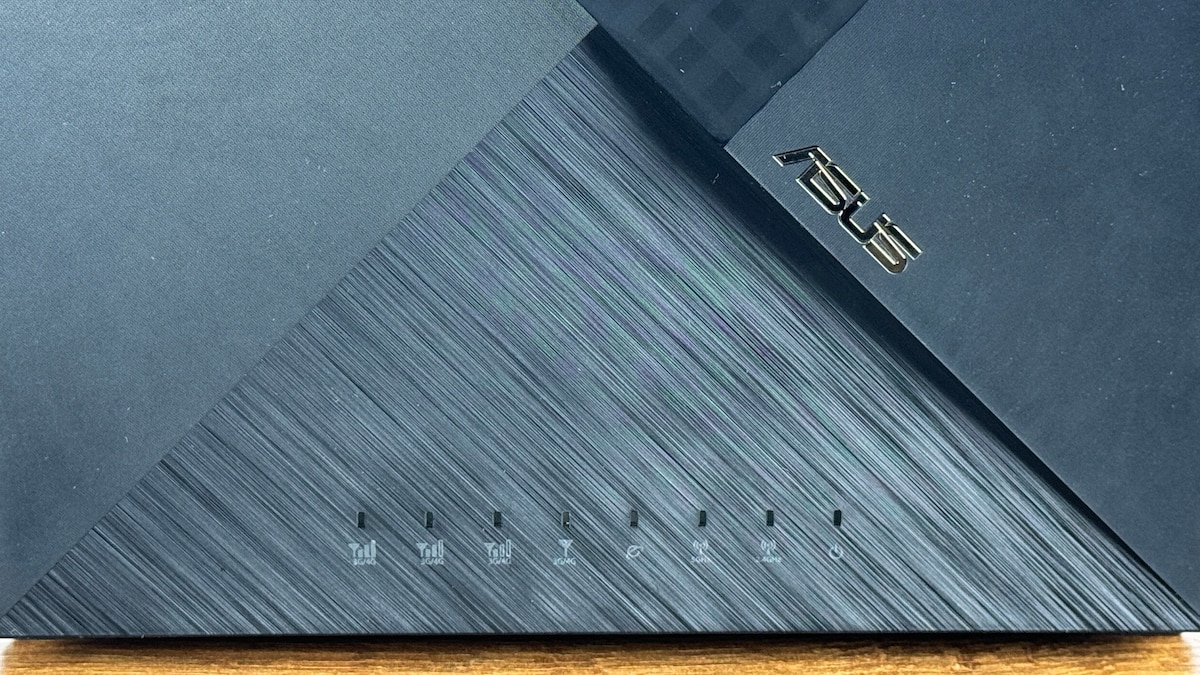
Bester Router ohne 5G: Asus 4G-AX56
Asus 4G-AX56
- Testurteil: Gut (2,4)
- Performance: Befriedigend (2,7)
- Funktionalität: Gut (2,3)
- Ausstattung: Gut (2,1)
- Handhabung: Befriedigend (2,6)
- Leistungsaufnahme: Gut (2,3)
-
Vorteile
- Einfache Steuerung
- Prima Ausstattung mit vielen Ports
- Geringe Leistungsaufnahme
-
Nachteile
- Mittelmäßige WLAN-Performance
- VPN ohne Wireguard
- Keine WLAN-Mesh-Funktionen
Test Summary
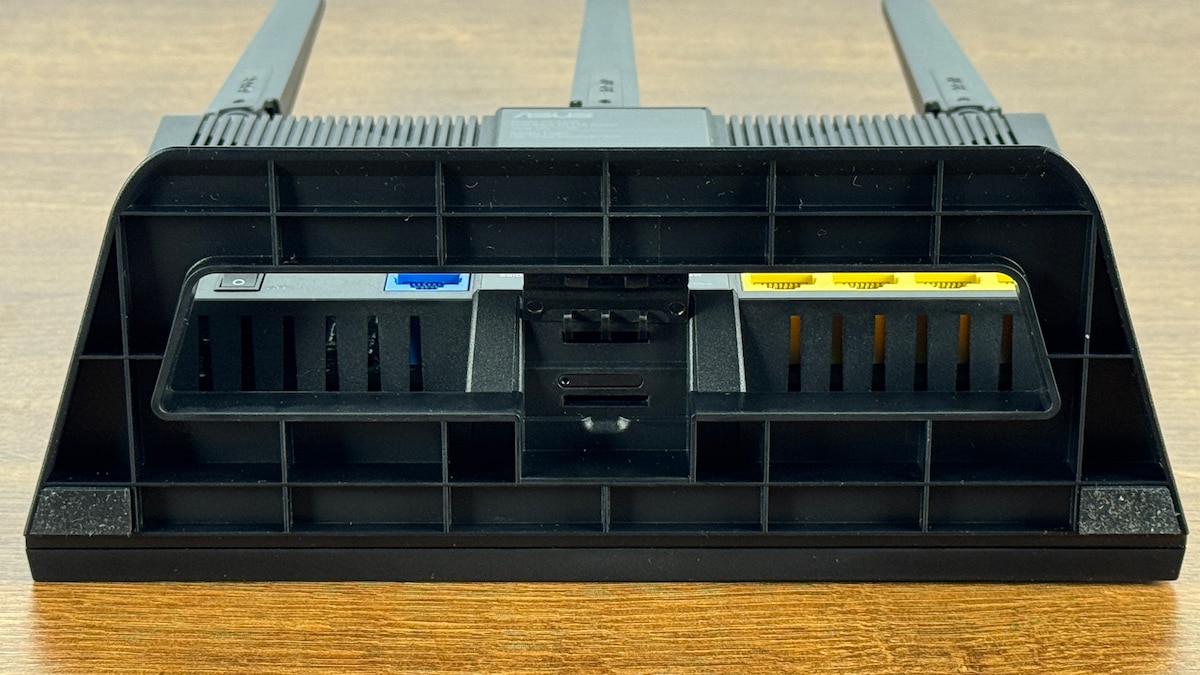
The Asus 4G-AX56 stationary mobile router uses the LTE network and supports all major frequency bands. 5G is not supported. Inserting the nano-SIM card for reception is straightforward. The Wi-Fi 6 standard uses an 80 MHz channel width. This means top speeds are not achievable. While we measured a peak transfer rate of 874 Mbps in our tests, the average speed in real-world conditions is only 381 Mbps. This is sufficient for basic internet use. For those who prefer to connect network cables, the router offers four LAN ports with 1 Gbps data transfer and one WAN port with the same speed. There is no USB port. The router also does not support telephony or the control of smart home devices. Setup is quite simple, and the web interface offers good context-sensitive help. However, the default passwords are not device-specific and must be changed. WPA3 encryption is only activated during setup. The router’s functionality is mixed: it can be used as a VPN server, but not with WireGuard. It cannot be integrated into a Wi-Fi mesh network at all. However, the security and diagnostic features are otherwise solid, and Dynamic DNS is available. An access point mode is also offered. Extras such as NAS or printer control are not included. The router’s power consumption is low.
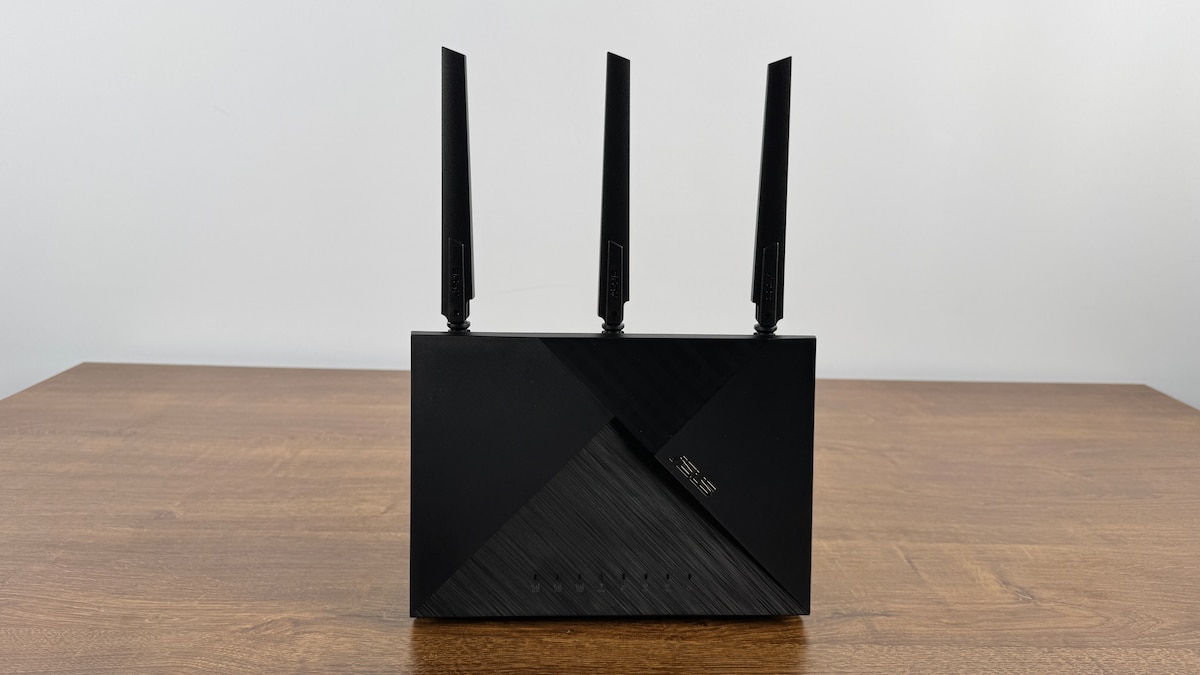
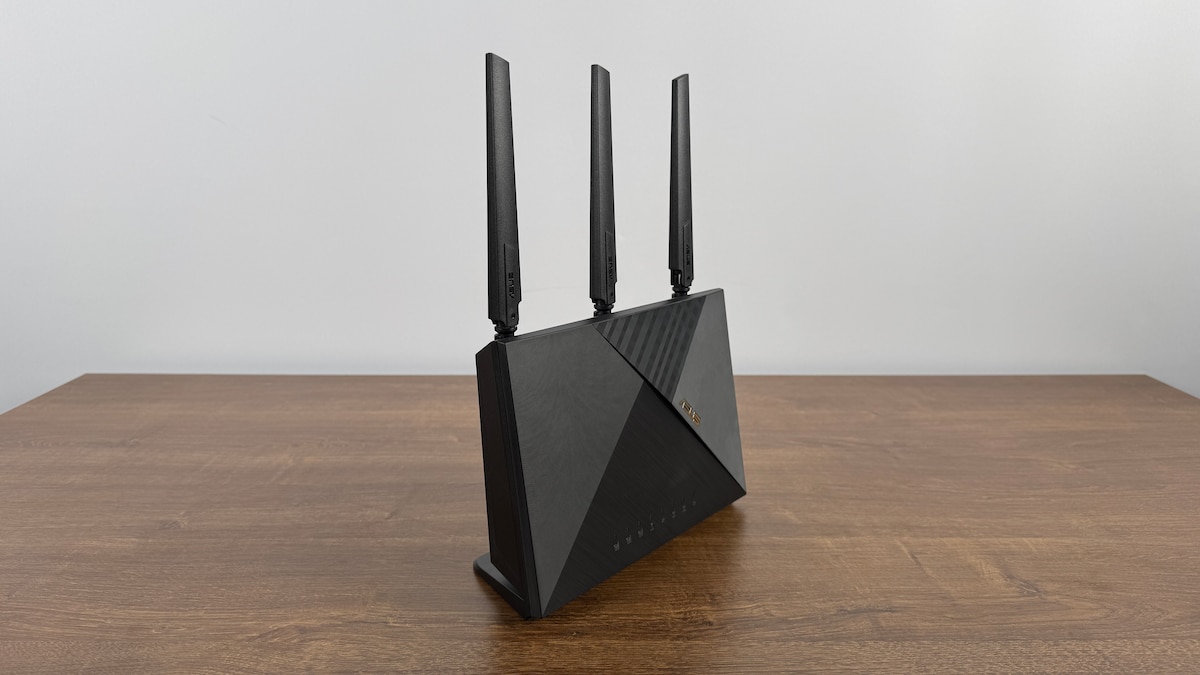
Werte im Vergleich
- Download-Datenrate (Praxis-Bedingungen, Mittelwert, Intel BE200)
- Maximale gemessene Datenrate WLAN
- Leistungs-Aufnahme bei Datentransfer
Our test center tested these products under laboratory conditions and reviewed the results in collaboration with our editorial team. Our tests are always independent and transparent.
How much does a stationary mobile router cost?
In terms of price, stationary mobile routers differ little from stationary landline routers. There are top models for over €400 and particularly inexpensive devices for under €100. In this lower price range, you can certainly find some good home network routers for LTE reception. However, if you also want to use the 5G network, it will cost more. The top models, which now almost always include 5G reception, tend to cost €200 and up.
Stationary routers, whether for landline or mobile networks, are on average cheaper than mobile routers. The “on-the-go” devices with battery and compact design come at a significant price premium – especially if the mobile router is intended to offer fast 5G reception.

The stationary mobile routers are evaluated in terms of performance, functionality, features and handling.
Many people still have a landline connection at home via the telephone lines – i.e., VDSL, cable, or fiber optic. Even if landline telephony is becoming less important, the internet still comes from the physical telephone socket, to which the Wi-Fi router is connected. When out and about, however, most people use mobile internet on their cell phones, i.e., via the LTE or 5G network. A landline connection is therefore no longer necessary.
The stationary mobile router combines both worlds: The device sits in your home as usual, but is no longer connected to the telephone socket. Instead, you insert a SIM card into the device and can then use mobile LTE or 5G internet for your home Wi-Fi. This way, one SIM card is enough to connect multiple devices to the internet. You also have the option of setting up a home network for data transmission.
What limitations do mobile routers have?
With VDSL, cable, or fiber optic contracts, you usually have a flat rate. So you can surf, stream, and download games without limits. For a stationary mobile router, you’ll need a SIM card, and mobile contracts usually come with a limited data allowance. Truly unlimited mobile internet is expensive. Once your data allowance is used up, your internet speed will be throttled.
Therefore, you should choose a contract with a sufficiently large data allowance. If you stream videos for an hour every day, that’s easily 100 GB per month. However, there are also contracts that specifically include streaming via the provider’s portals. Generally, you can add a second SIM card for the router to your existing mobile contract. Whether there’s an extra charge for the 5G network depends on the provider.
There are significant regional differences in mobile network availability. 5G rollout in Germany is progressing, but you’ll still find the fastest mobile internet in metropolitan areas and along major roads. In rural areas, there are often dead zones, not only for 5G but also for LTE/4G. However, comprehensive fiber optic coverage is also lacking. Mobile internet can therefore be a good alternative.
Finally, the quality of mobile reception in your home also plays a role. Landline routers are usually located near the telephone socket. With mobile routers, you may need to find a suitable spot in your home, such as a windowsill. The thickness of the walls, interference from other sources, and—especially in cities—the number of mobile phone users in the immediate vicinity all affect reception quality.

Stationary mobile routers can be a good alternative to landline routers.
What should you consider when buying a stationary mobile router?
- Mobile network: All common mobile routers support the LTE/4G network. Provided the signal is strong enough, this is sufficient for video streaming on the mobile internet. With the 5G network, you can achieve significantly better data transfer rates. However, 5G is not yet available nationwide in Germany, and whether 5G usage is included in your mobile contract depends on the provider. Routers that support both LTE and 5G generally cost more. Furthermore, the network consists of several frequency bands. If the router cannot operate on all bands, this may negatively impact signal quality. Some routers offer the option of connecting external antennas to further improve reception.
- Wi-Fi standard: As with all Wi-Fi routers, the Wi-Fi standard plays a crucial role. Newer standards (Wi-Fi 6, 6E, or 7) not only offer faster data transfer rates but can also manage the frequency bands used in the WLAN more intelligently and optimally distribute data transfer among all connected devices (mobile phone, tablet, laptop). While you’ll rarely achieve the advertised peak speeds because they are affected by interference in the wireless network, the rule of thumb with Wi-Fi standards is always: newer is better.
- Security Features: Data is encrypted during transmission in the WLAN network. Currently, WPA3 encryption is used and is even mandatory for newer Wi-Fi standards. The original WPA (“Wi-Fi Protected Access”) is now considered insecure and should no longer be used. Some older routers still use WPA2 encryption. This is sufficiently secure with a well-chosen WLAN password. However, WPA3 encryption is still preferable. Most routers offer additional security features such as a configurable firewall, URL filtering, parental controls, and the option to set up a VPN (virtual private network). WireGuard is a common standard for this.
- Control & Settings: The stationary router is usually controlled by accessing its web interface via a web browser. In some cases, this is now also possible via the manufacturer’s smartphone app. The web interface allows you to configure network settings, view mobile data usage, and use additional functions. This isn’t always user-friendly for beginners. Therefore, it’s helpful if the options are explained in the overview. The device itself typically has only a few controls. Devices can be quickly paired using the WPS button (Wi-Fi Protected Setup). Some routers also offer the option to turn the Wi-Fi on and off with the push of a button.
- Wi-Fi Mesh & Network: In a Wi-Fi mesh network, multiple devices communicate wirelessly with each other, thus enabling optimal network coverage throughout the home. In a mesh network, the router can act as both a central hub and a repeater – provided it offers this functionality. This is often not the case with older devices. Setting up a home network with multiple devices for offline file transfer, for example to a NAS, is also practical. When accessing mobile internet, speeds are limited on LTE or 5G networks. However, data transfer within the home network can utilize the full Wi-Fi data rate. If you prefer to connect devices to the router via Ethernet cable, it should have plenty of high-speed LAN ports.
- Extra Features: The range of functions offered by stationary mobile routers varies considerably, primarily because they have different usage profiles than landline routers. Some routers offer telephony features, allowing you to connect an analog or DECT phone. However, those opting for a mobile router are likely foregoing a traditional landline phone altogether. Some models can also be used as a smart home hub, have an access point mode for using additional networks, or even offer storage for NAS access. If you want to access your home network from outside, you need Dynamic DNS. Many routers support this.
About the Author